


Packaging and Campaign Handoffs in Adobe Illustrator online
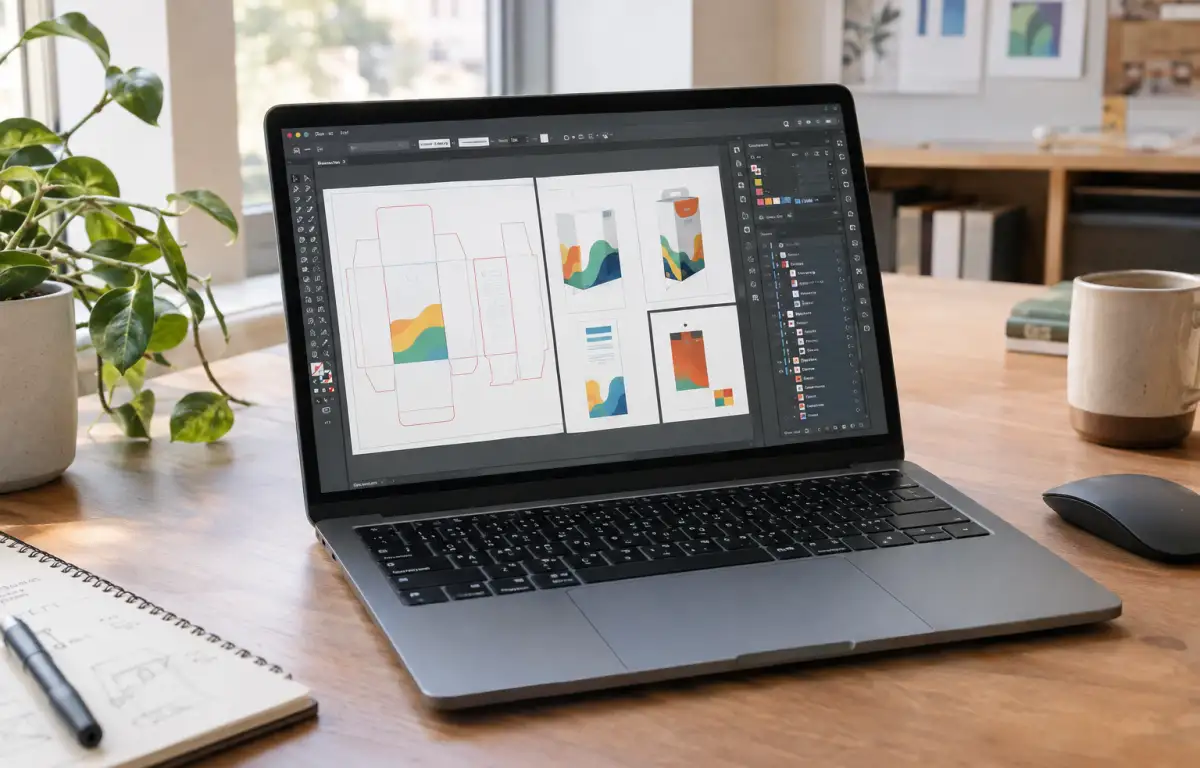
Monday starts with packaging dielines and campaign key visuals due for a client review. Before work begins on this device, the studio’s chosen Adobe Illustrator build is installed, Astute Graphics and Esko Studio plugins are added, color settings align to GRACoL/ISO Coated v2, and fonts are activated from Adobe Fonts plus licensed OTFs; swatches and PDF presets load next. Then the master .ai opens, linked PSD/TIFF mockups refresh, dielines adjust, and exports target PDF/X‑4 and SVG. The next stage requires access to the same Illustrator setup outside the studio, without rebuilding the production environment on another device.
Keeping Illustrator production settings consistent across locations
Because those dielines, plugin tools, and exports must match across locations, the workflow demands strict parity on every session:
- A fixed Illustrator version across all devices in the route.
- Font parity via Adobe Fonts plus the same local OTFs, with no substitutions.
- Identical color settings: CMYK profiles (GRACoL/ISO Coated v2) and Pantone books.
- Plugin alignment: Astute Graphics and Esko Studio versions and presets.
- Stable linked asset paths for PSD/TIFF/SVG within a consistent folder map.
How can the studio maintain a consistent Illustrator environment when work moves between locations?
Run Illustrator in the cloud to lock versions, fonts, and plugins
Meeting these version, font, color, plugin, and path requirements can be attempted in several ways, but each approach handles parity differently. The goal is to open the same .ai file and have it render, preflight, and export identically wherever you work — even when continuing in Adobe Illustrator online between sites.
| Approach | Capabilities | Complexity |
|---|---|---|
| Local installs with manual sync | Can match versions, fonts, profiles, and some plugins via checklists; linked paths drift easily. | High ongoing effort; easy to miss details. |
| IT‑managed golden image across PCs | Standardizes versions, fonts, profiles; plugin updates and path mapping may lag per site. | Medium–high; requires centralized ops. |
| Project on external SSD with assets | Carries fonts/profiles/assets; plugins and licenses don’t travel; paths can still change. | Medium; fragile in practice. |
| cloud Windows PC | One persistent desktop where the required Illustrator version, installed plugins, fonts, color profiles, and project folders can be maintained together. | Low ongoing; one‑time, disciplined setup. |
Illustrator cloud PC continuity across office, studio, and client sites
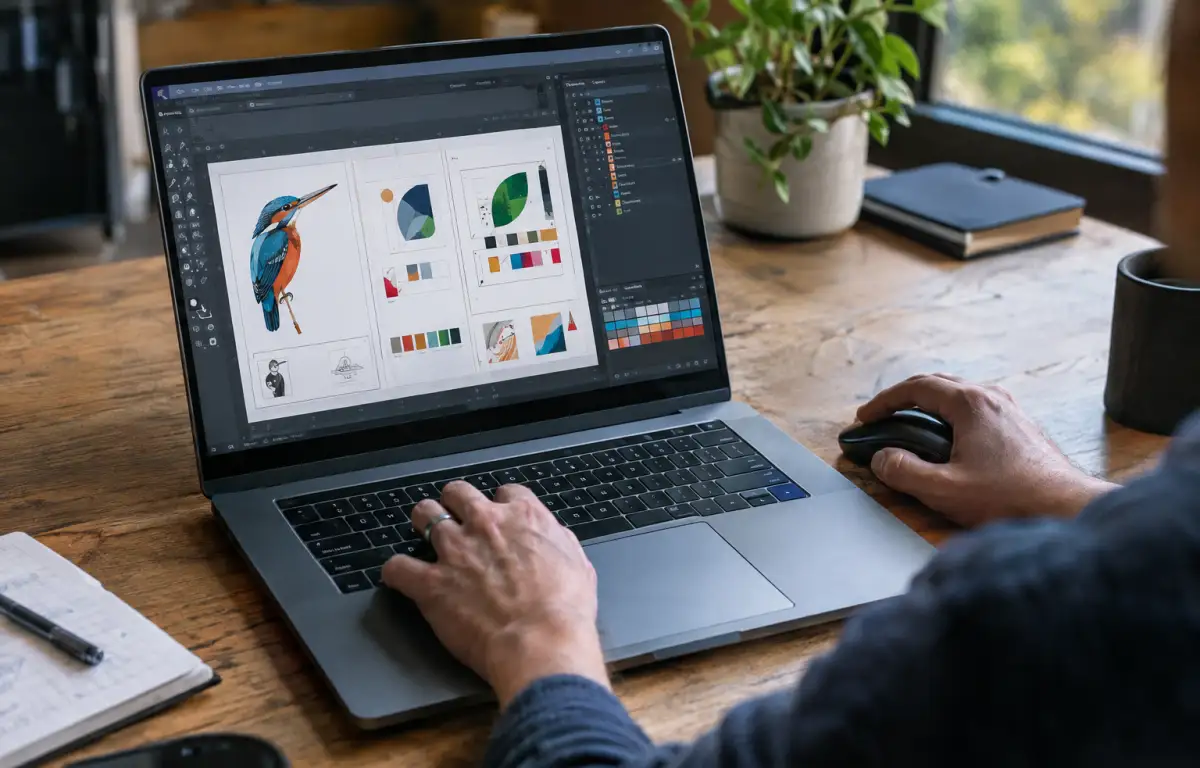
The same requirements follow the project from office to studio to on‑site review: the .ai must open with the studio’s Illustrator build, GRACoL/ISO Coated v2 active, Pantone swatches intact, and Astute Graphics/Esko tools ready. Linked PSD/TIFF files and output presets like PDF/X‑4 need to persist unchanged so proofs remain predictable. That continuity matches expectations for Adobe Illustrator online sessions — and it’s only reliable when the whole setup lives in one persistent place reachable from any device.
Adobe Illustrator online with Aristeem as your cloud Windows PC
For more than two years, Aristeem has delivered access to professional software via a cloud Windows PC for design, engineering, and data work, learning from teams and refining the service. Today it provides a virtual Windows machine in the cloud without replacing the OS on your device, while we test new options to expand flexibility. Apply it here: install your required Illustrator version, add Astute Graphics and Esko Studio, set fonts and GRACoL/ISO Coated v2, and map shared storage — then keep every session identical. Start by provisioning your Illustrator desktop.
Maintaining consistent packaging workflows in Illustrator
Packaging projects often move between studio workstations and client review locations, but their production requirements remain unchanged. Keeping the Illustrator version, fonts, color profiles, plugins, linked assets, and export presets in one persistent Windows environment helps designers continue working on the same files without rebuilding their setup on each device. With Aristeem, the required software and project components can stay together in a cloud Windows PC, supporting a more consistent packaging workflow across locations.


