


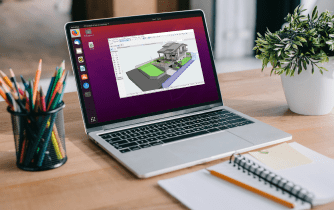
You open a deadline-critical BIM project and realize your locked-down laptop will not allow new installs or drivers. The project requires a specific Archicad build plus libraries and plugins that collide with what is already on your machine. Even when you find a workaround, the render queue or model updates stall because the device is underpowered and IT policies keep undoing changes. If this sounds familiar, the real problem is not simply getting Archicad software — it is keeping the required BIM environment available when your local machine cannot support it.
Why Buying a New PC Won’t Fix Archicad Workflows
Upgrading hardware seems like the fastest answer, but it rarely solves operational reality. Procurement cycles delay projects, total cost blooms beyond the tower itself, and you still face IT restrictions, driver approvals, and version conflicts once the box arrives. A new machine also gives you only one configured environment, so switching between Archicad versions, testing plugins, or preparing a project-specific setup becomes fragile and time-consuming. For distributed teams, hauling a powerful workstation to every site or client office is simply not sustainable. In short, expensive hardware does not remove the core blockers: installs, approvals, and version flexibility.
2026 Move to Archicad in Browser and Zero-Install BIM
In 2026, browser-based workflows are becoming a practical way to separate project environments from local machines. For engineering and design teams, the bigger advantage is keeping the required project environment consistent even when the hardware used to access it changes. Zero-install access also reduces version friction: teams keep multiple Archicad builds, libraries, and plugins side by side without risking a teammate’s configuration. This global shift prioritizes operational flexibility, rapid onboarding, and consistent performance without depending on local specs or OS compatibility.
The Best Way to Keep an Archicad Project Environment Ready
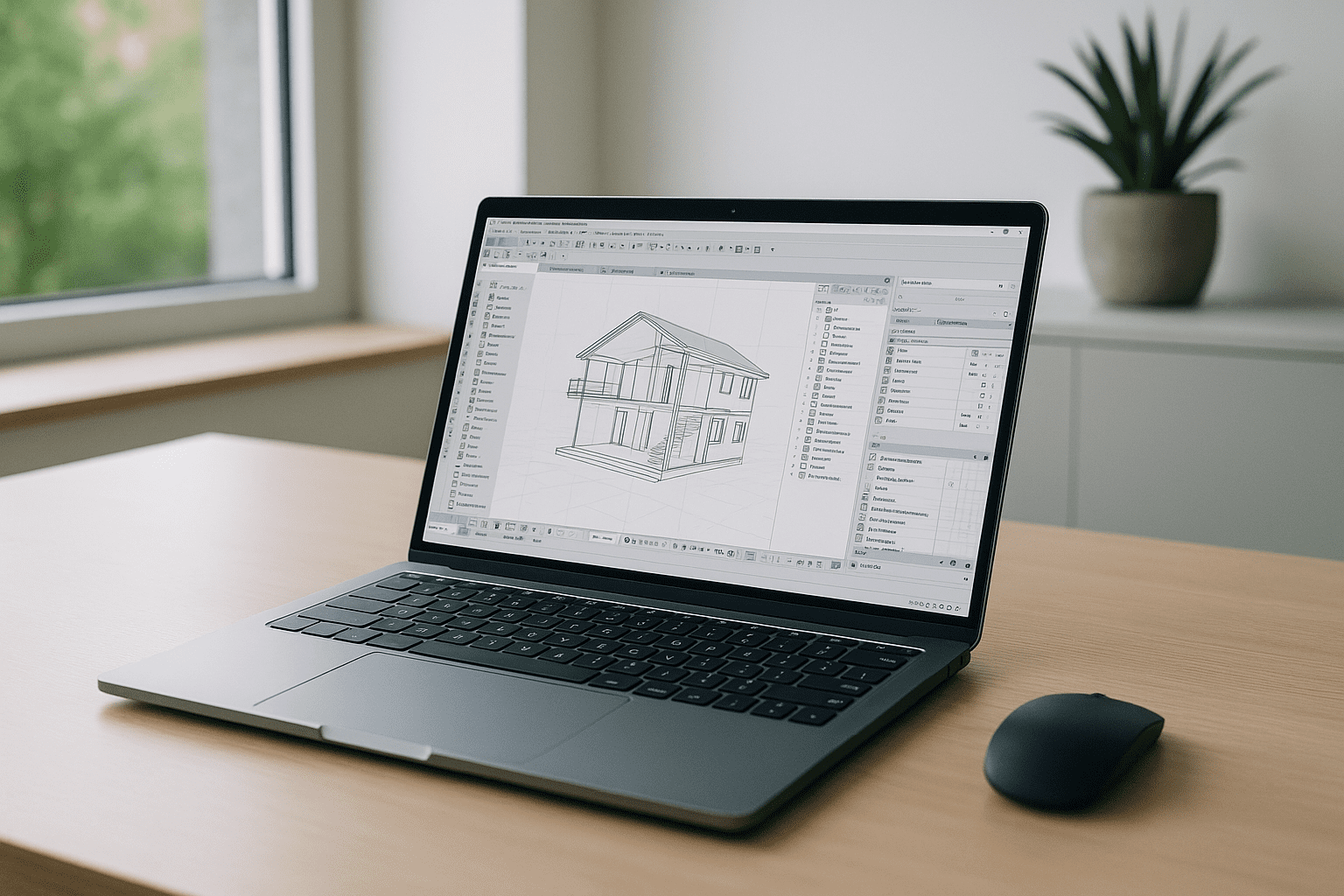
Workarounds like borrowing a colleague’s workstation, couriering project files, or juggling portable drives introduce delays and version drift. Installing temporarily on a spare device still triggers IT reviews and risks mismatched plugins. The practical path is a dedicated browser-based workspace where you can keep the required Archicad version, libraries, plugins, and settings together instead of rebuilding the environment for every device. This approach preserves your versions and settings, isolates experiments from production, and removes the dependency on a specific local computer.
Archicad Online With Aristeem: Keep the Required Environment Ready
Aristeem provides a Windows-based virtual PC that runs directly in your browser. Instead of rebuilding the BIM setup on each computer, you can keep the Archicad version your project requires together with its libraries, plugins, project folders, and settings. There is no device lock-in: open the same environment from your primary workstation, a lightweight laptop, or a temporary computer without repeat installs. Use your own software license if required by the software maker. For configuration ideas and version planning, see the practical overview of Archicad online workflows that align with team policies and delivery timelines.
Run Archicad in Browser Without Rebuilding Your Setup
A browser-based desktop removes local installation barriers, reduces the impact of hardware limits, and preserves the Archicad versions, libraries, plugins, and settings your projects demand. It keeps your environment consistent across devices and locations, so deadlines are no longer hostage to approvals or specs. If you want a concise view of how software runs directly in a browser, explore the options and pick the path that fits your team’s workflow.


