


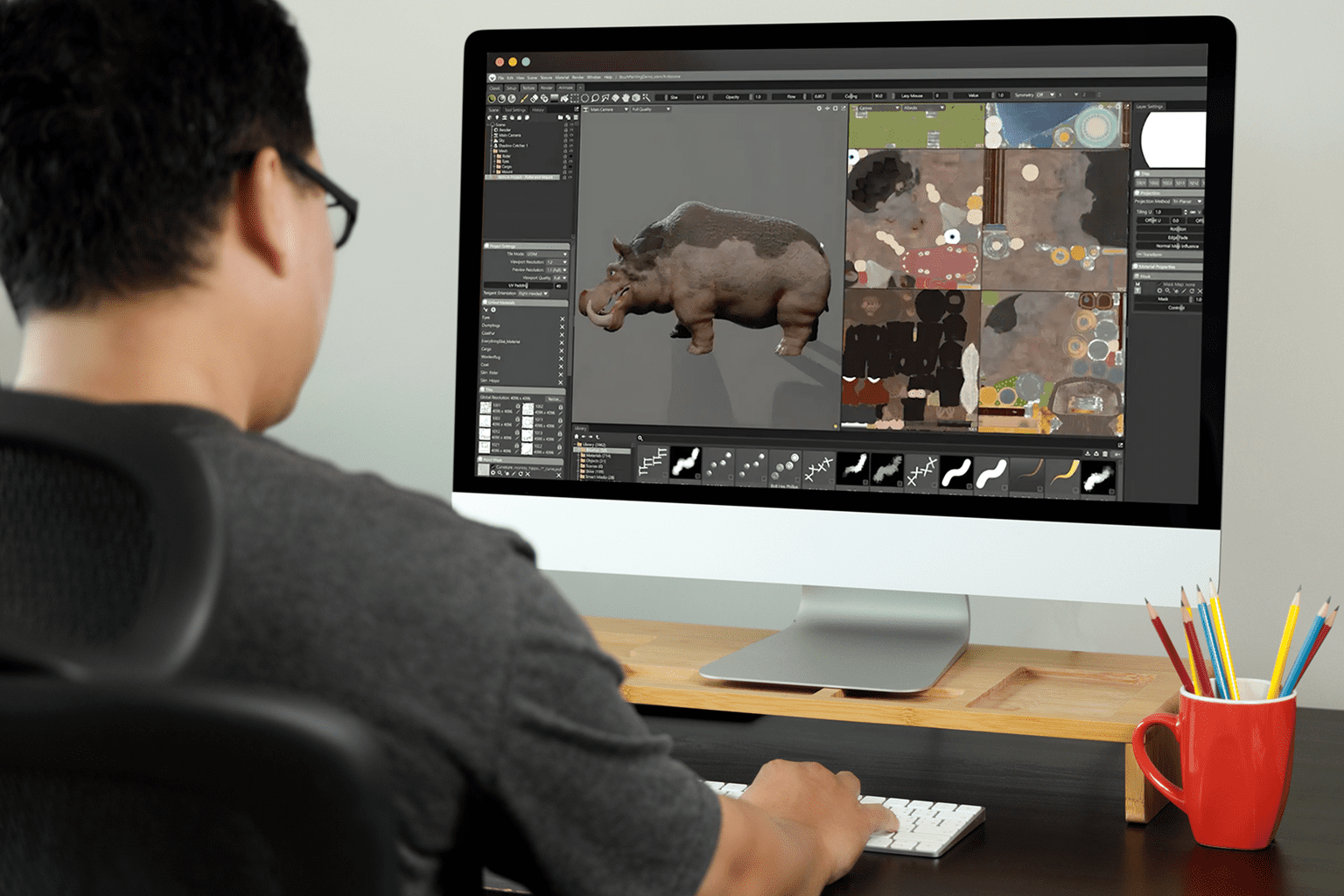
Lookdev artists, character modelers, and product viz leads often need fast iteration, real-time lighting, and exact material previews. Marmoset Toolbag 5 is available natively on macOS, including Apple Silicon Macs, but demanding scenes can still make GPU performance and hardware capacity important considerations. While Boot Camp is not an option on Apple Silicon Macs, Toolbag 5 itself does not require Windows: the application has a native macOS version and native Apple Silicon support. The more relevant question for Mac users is whether their hardware provides enough GPU and memory capacity for the scenes they need to build.
Why buying a Windows PC isn’t the best Marmoset Toolbag on Mac workaround
Many teams just buy a separate Windows workstation to keep Toolbag 5 moving. It works — until it doesn’t. Here are the practical drawbacks:
- Capital and overhead: extra hardware, peripherals, and maintenance obligations.
- Context switching: files, fonts, HDRIs, and plugins must be synced across two environments.
- Asset security: duplicating libraries across devices increases governance and risk.
- Mobility loss: you can’t review or tweak scenes wherever you have your Mac.
- Workflow fragmentation: HDRIs, textures, plugins, project files, and custom presets can end up split between the Mac and Windows workstation.
Marmoset Toolbag 5 on Mac: local and browser-based options
Marmoset Toolbag 5 can run natively on macOS, so Mac users do not need Windows simply to use Toolbag. The main choice is whether the Mac provides enough GPU and memory capacity for the required workload or whether a separate browser-based environment makes more sense for demanding projects.
| Approach | Capabilities | Complexity |
|---|---|---|
| Native macOS version | Official Toolbag 5 application for Mac; native Apple Silicon support | Performance depends on the Mac’s GPU, memory, and supported Metal capabilities |
| Buy a dedicated Windows PC | Full Windows app support; good performance | High cost; asset sync and maintenance overhead |
| Local virtualization on Mac | Convenient on one device | Adds virtualization overhead; Windows and GPU performance can vary |
| Remote into your own PC | Keeps a separate Windows workstation available from the Mac | Requires another machine to stay online; performance depends on that PC and connection |
| Browser-based Windows desktop | Windows environment accessible directly from the Mac browser | Requires reliable internet; avoids maintaining a second local workstation |
A practical Marmoset Toolbag Mac workflow without a second PC
For Mac users whose hardware cannot comfortably handle a particular Toolbag workload, a browser-based Windows workspace provides an alternative without replacing the Mac or maintaining a second workstation. It removes the need to maintain a separate Windows workstation alongside the Mac. Toolbag, its project files, plugins, and supporting utilities can stay in one persistent Windows environment while the Mac acts as the device you use to access it.
Run Marmoset Toolbag on Mac in a persistent browser-based Windows desktop
The Aristeem platform provides a full-featured virtual Windows PC that runs in your browser. Open the Windows workspace from Safari or Chrome on your Mac and keep the Toolbag environment separate from macOS itself. Your Marmoset Toolbag installation, plugins, HDRIs, project files, and supporting utilities remain inside the Windows workspace rather than being split between two physical computers.
This approach is particularly useful when your Mac is your primary device but a specific project, plugin, workflow, or performance requirement calls for a separate Windows environment. You can continue using macOS for your normal work while accessing that Windows workspace from the same Mac. For more details on the browser-based Windows environment, see the Marmoset Toolbag 5 overview.
Conclusion: a reliable Marmoset Toolbag 5 macOS workflow
If your Mac meets Marmoset Toolbag 5’s requirements, the native macOS version is the simplest way to work locally. When demanding scenes exceed your Mac’s available GPU or memory capacity, a browser-based Windows environment provides an alternative without requiring you to replace the Mac or maintain a second workstation. For users who need additional Windows-only tools alongside Toolbag, a persistent browser-based environment can keep that workload separate from the Mac while avoiding the cost and maintenance of another physical PC.


