


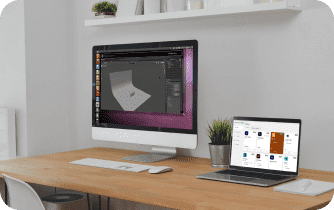
Your deadline is today, but the workstation you have isn’t yours to control. On a corporate laptop, the installer is blocked by admin rights, and even if IT signs off, outdated GPU drivers or version conflicts stop Blender from opening your scene. On a Mac, Linux machine, Chromebook, or travel tablet, getting the same full desktop setup with your add-ons may not be practical or supported. You need the exact build your pipeline depends on — same hotkeys, preferences, scripts — and you need it now. That’s why professionals search for Blender online: a full desktop experience in a browser, not a stripped demo, so they can use Blender without installing anything locally.
Why Buying a New PC Fails the Blender Online Goal
Buying a more powerful PC seems like the fastest fix because more CPU and GPU should equal smoother 3D. In practice it drains budget, adds procurement delays, and still leaves you tied to a single desk and one operating system. Hardware doesn’t solve blocked installs, driver signing restrictions, or security policies that delay critical updates. Teams end up with mismatched environments as each person buys different machines, breaking add-on parity and scene reproducibility. For a studio needing predictable deliveries and portable workflows, a new tower becomes a costly patch — not a pathway to reliable Blender online access across devices.
Why Browser-Based Blender Workflows Are Becoming More Practical
A browser-based Blender workflow separates the application environment from the computer you happen to be using. Instead of installing Blender, managing GPU drivers, and rebuilding add-ons on every machine, you can access the same Windows workspace from different devices. This is particularly useful when local hardware is restricted, underpowered, or unavailable.
For professionals working across offices, home setups, travel devices, or managed computers, the main advantage is consistency. Blender, your add-ons, scripts, preferences, and project files can remain in one environment while your Mac, Linux machine, Chromebook, or tablet acts as the access point.
The Practical Way to Run Blender in Browser
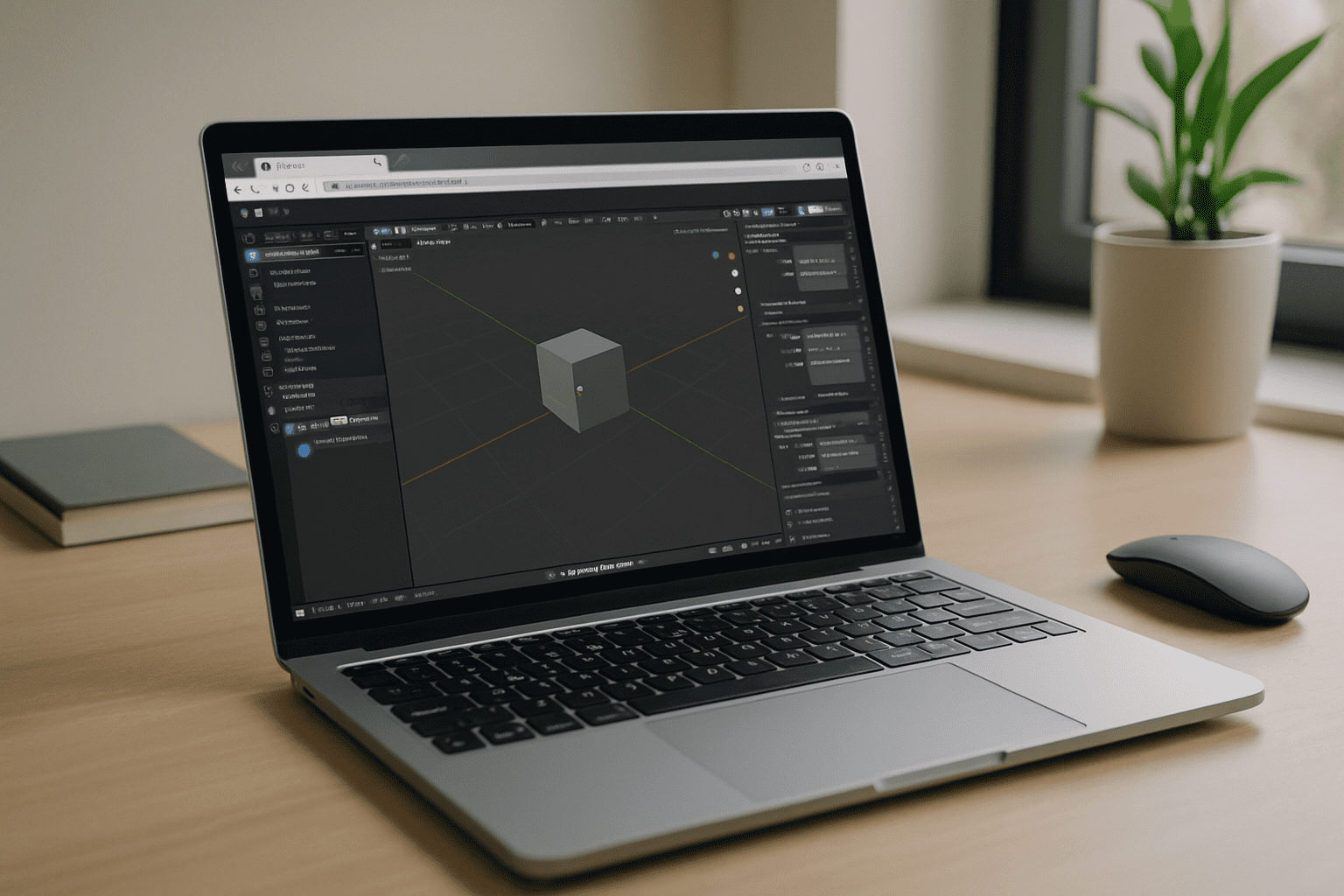
Portable USB installs crack under driver conflicts and endpoint security that blocks executables. Borrowing a colleague’s workstation or booking a lab injects calendar friction and version mismatches that derail reviews. Web demos hint at features but rarely support pro add-ons, custom Python scripts, or the exact file paths your scenes expect. The clean alternative is a real Windows desktop that opens in your browser and persists between sessions, so your versions, plug-ins, and settings stay intact. That approach finally delivers Blender online without OS lock-in, without local installs, and with the complete desktop toolset you depend on.
Aristeem Delivers Blender Online as a Full Desktop
Aristeem provides a full-featured virtual Windows PC that runs in your browser, giving you the same desktop workflow you rely on. Sign in, open your workspace, and install the Blender version you need along with your preferred add-ons, utilities, and other Windows tools. Your environment remains persistent between sessions, so your projects, settings, and installed software stay available. Use your own license if the software requires it.
The Windows environment runs in the cloud while your device serves as the access point, allowing you to use Blender from Mac, Linux, Chromebook, tablet, or another computer without installing the desktop application locally. You can work with your usual files, plugins, scripts, and settings inside the same persistent workspace instead of rebuilding your Blender setup for every device. Explore Aristeem and get added context from working with Blender 5 in the cloud to see how a browser-accessible Windows desktop can keep Blender online stable, version-accurate, and add-on ready.
Start Using Blender Online Without Installs
Running the full desktop app in a browser removes admin barriers, driver headaches, and OS limits while preserving your exact versions, add-ons, and settings. For studios and independent artists, it is the most direct path to continuity: open the same environment from any device and keep moving. For a clear view of the workflow, see how Blender runs directly in a browser and decide where a browser-based Windows desktop fits into your pipeline.


