


AutoCAD for Mac obstacles in professional workflows
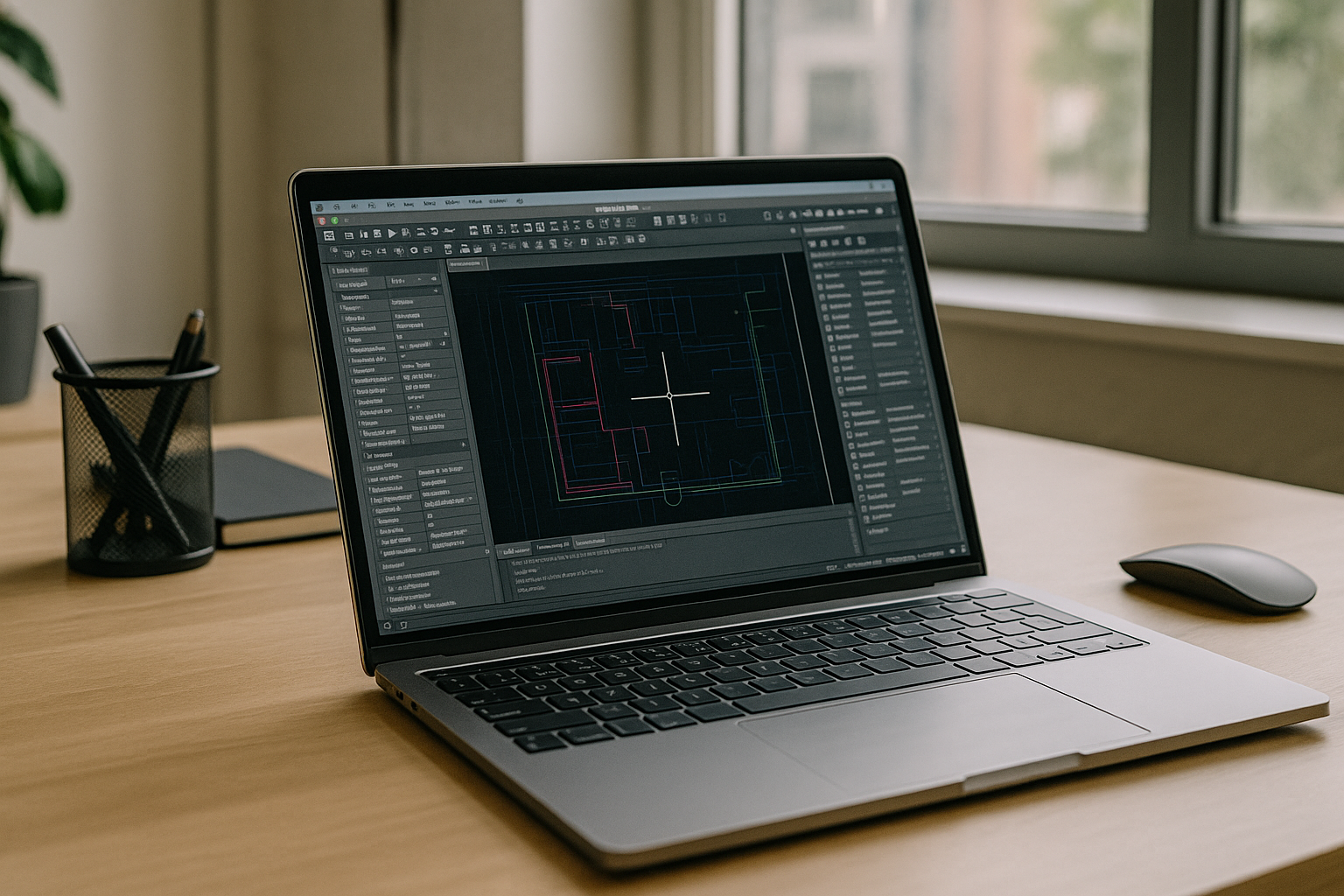
You need the real desktop experience — dynamic blocks, robust plotting, advanced toolsets — and your team is on managed Macs. The native build feels trimmed, large DWGs stutter on laptops, Apple Silicon narrows access to desktop-only add‑ons, and IT restrictions block installs. Architects redlining 300 MB DWGs, MEP drafters coordinating references, and BIM leads handing off detail libraries all hit the same wall: getting AutoCAD for Mac with full capabilities, quickly, without begging for admin rights.
Whether you search for AutoCAD on macOS, compare AutoCAD on Mac to desktop variants, or try to keep mobile with AutoCAD for MacBook, the goal is consistent: run the real app, reliably, right now.
Why mixed Mac and Windows workflows slow AutoCAD projects
Many studios don’t actually struggle with hardware — they struggle with consistency. One designer works on macOS, another on Windows, while consultants review drawings from different devices. Differences in available toolsets, plotting configurations, fonts, and project environments introduce unnecessary friction.
- inconsistent plotting configurations;
- missing desktop-only add-ins;
- different support for customization;
- project handoff delays;
- repeated environment setup.
Selecting the best path to full AutoCAD for Mac results
Practitioners weigh hardware workarounds, virtualization, or a browser-based desktop to achieve full fidelity. For AutoCAD for Mac, the winning approach removes local setup while preserving the complete desktop toolchain.
| Approach | Capabilities | Complexity |
|---|---|---|
| Buy a separate PC workstation | Full desktop features and GPU power | High hardware overhead; split workflows |
| Virtualization on Mac hardware | Broad app access with tuning | Driver layers, configuration, and upkeep |
| Managed VDI from corporate IT | Centralized resources, policy control | Ticketing queues; shared capacity limits |
| Browser-based desktop environment (Aristeem) | Full desktop AutoCAD, GPU acceleration, zero local footprint | Instant access; minimal admin dependency |
2026 shift: hardware-agnostic delivery for AutoCAD
As multidisciplinary teams increasingly combine macOS, Windows, and mobile devices, organizations are shifting toward standardized desktop environments that deliver identical AutoCAD configurations regardless of endpoint. The focus is no longer only performance, but predictable collaboration, simplified onboarding, and consistent project delivery.
Aristeem makes AutoCAD for Mac immediate and installation-free
The Aristeem platform delivers the complete desktop application inside your browser — no local install, no emulation, not a remote desktop. Applications are pre-installed and pre-configured; you click Launch in the library and sign in with your paid Autodesk license. You get GPU-backed performance for large DWGs, access to desktop‑exclusive toolsets not available on the native Mac build, and consistent results on any managed Mac without requesting admin rights.
This browser-based workflow keeps files centralized, shortens onboarding to minutes, and removes device constraints so AutoCAD for Mac stays fast and identical across machines. For architecture, engineering, and construction teams standardizing on secure zero-footprint setups, Aristeem enables a real desktop experience from a Mac notebook or studio system — instantly. For a deeper breakdown of capabilities and deployment fit, review the details in the dedicated AutoCAD for Mac workspace.
Conclusion: reliable AutoCAD for Mac without local installs
The fastest path to full-featured production is a browser-based desktop that preserves the real app, stabilizes performance for large DWGs, and bypasses admin restrictions — keeping AutoCAD for Mac consistent for every user. This approach unifies toolsets, reduces IT overhead, and sustains predictable delivery, making it the most direct route to a high‑performance setup through the Autodesk AutoCAD for Mac environment in your browser.


