


Navisworks iPad Workflows Blocked on Real Projects
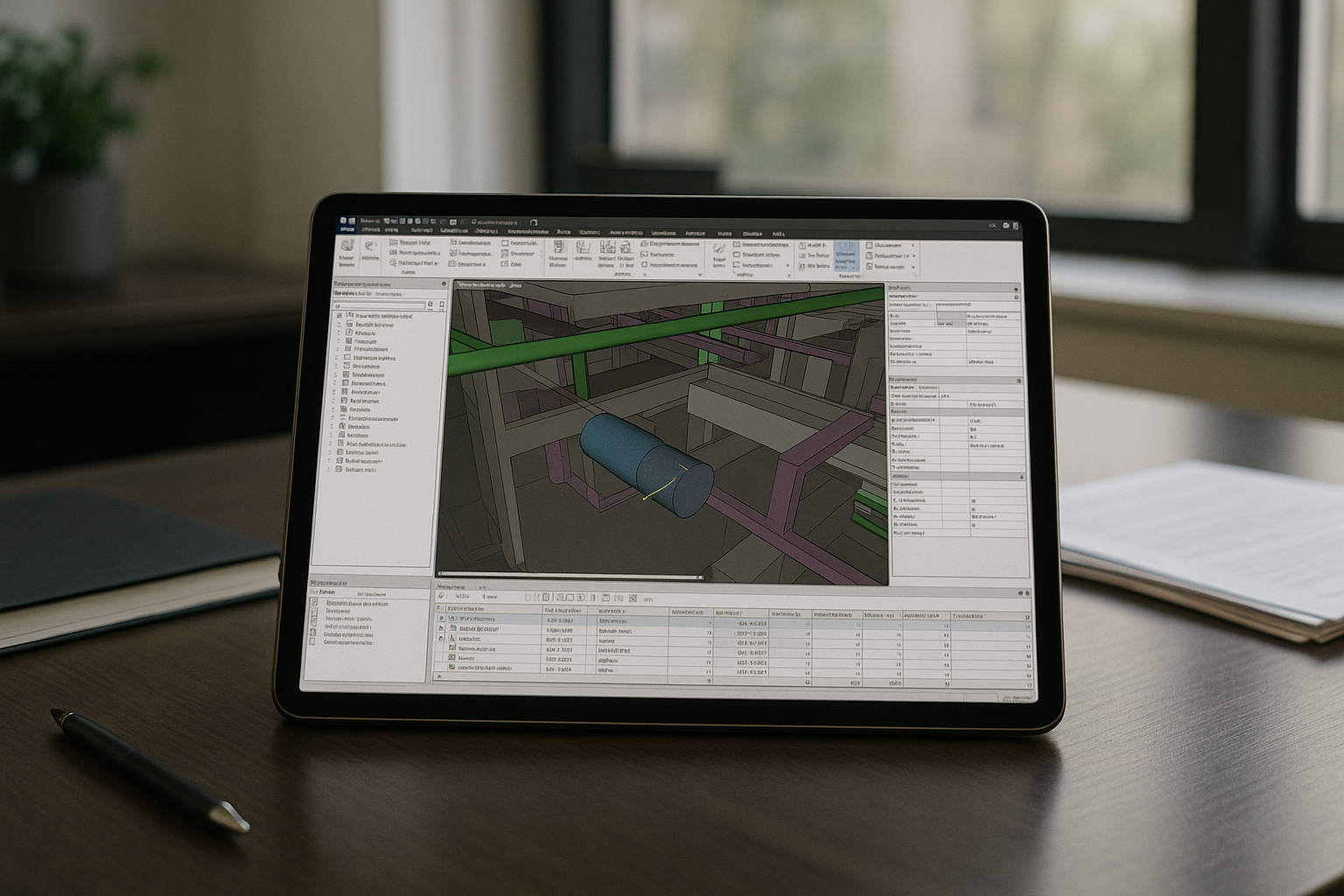
You open a federated NWD model during a site inspection to verify a coordination issue. Then you realize the viewer cannot run clash detection, Timeliner, or Quantification. Meetings slow down because Search Sets, model filtering, and Appearance Profiles are missing or behave differently from the desktop version. For teams that rely on Navisworks Manage every day, effective field coordination depends on having the full desktop workflow available on iPad — not just a model viewer.
Navisworks on iOS and the Install Windows Detour
When teams ask for Navisworks on iOS, the first idea is to install Windows on the device. On iPad, that path doesn’t exist in a stable, supported way. You face hard platform limits, risky workarounds, and no reliable driver stack for GPU-heavy 3D navigation. Even if you could force a build, every update, policy change, or security patch becomes a new break point. For ongoing client work, this approach fails fast: it is fragile, high maintenance, and incompatible with the speed and certainty required for Navisworks iPad deliverables.
2026 Field Coordination Moves Beyond the Office
By 2026, BIM coordination increasingly happens on construction sites, during client meetings, and throughout project inspections instead of only in the office. Teams expect to open live project models wherever decisions are made. For Navisworks iPad users, the goal is not simply viewing models but keeping the same coordination workflow. Clash detection, Timeliner, Search Sets, and NWD or NWF reviews need to remain available during real project work, not just at a desktop.
A Practical Way to Use Navisworks iPad
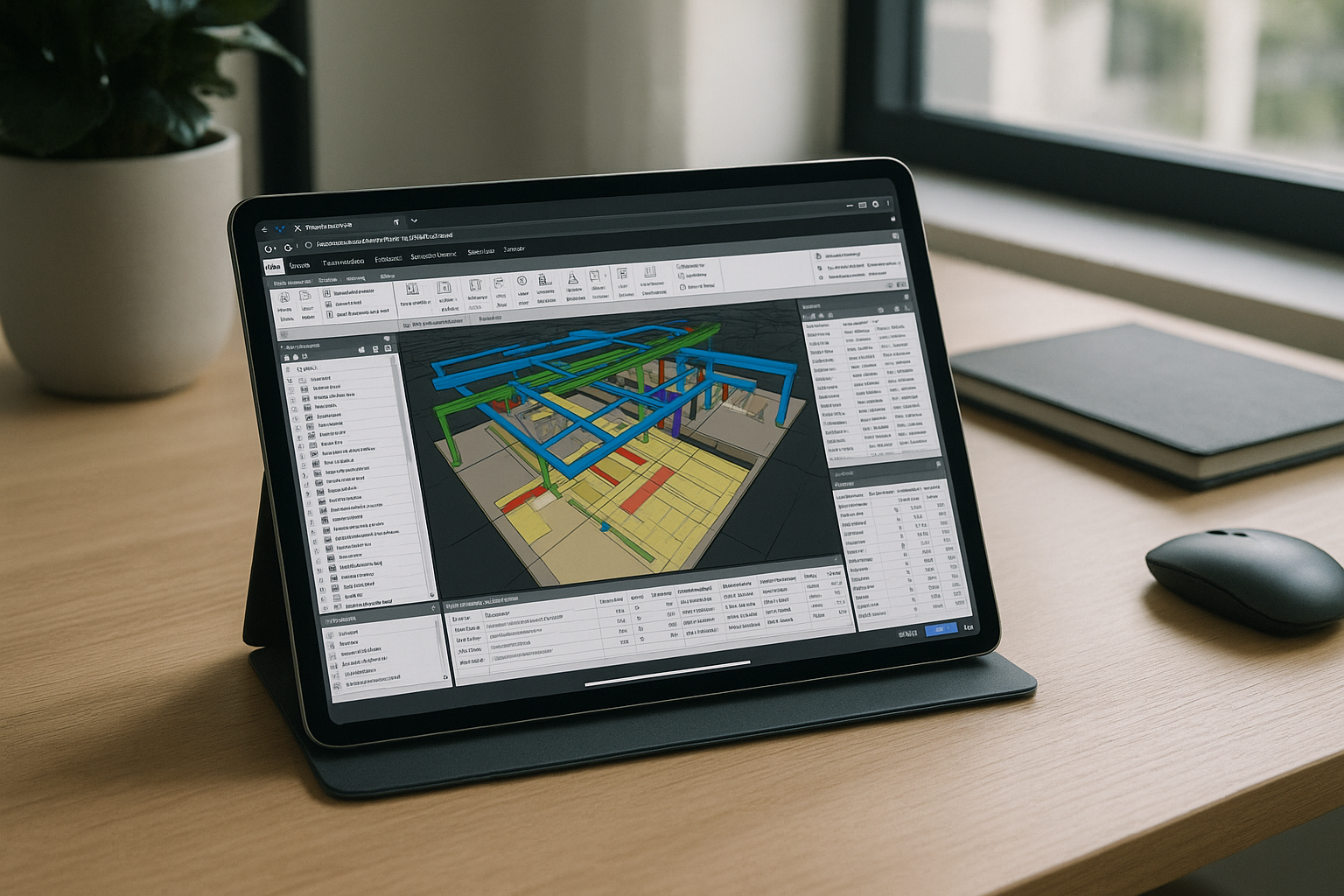
Most teams choose between lightweight BIM viewers, carrying a Windows laptop, or running the full desktop application in the browser. Viewers lack advanced coordination tools, while extra hardware adds cost and complexity. A browser-based workspace lets you open the complete Navisworks Manage environment on iPad, keeping clash detection, Timeliner, Quantification, and large project models available wherever coordination takes place.
Navisworks Manage iPad in the Browser with Aristeem
Aristeem provides a browser-based Windows workspace with Navisworks Manage pre-installed and ready to use. It is not an emulator and not a remote desktop; instead, you launch a persistent desktop environment where your settings and project configuration stay consistent between sessions. This allows teams to review federated models, perform clash detection, and coordinate projects from an iPad using the same workflow as in the office. For a broader look at browser-based BIM coordination, explore Navisworks Manage online.
A Focused Navisworks iPad Conclusion
With a browser-based workspace, the iPad becomes more than a model viewer. You keep access to the complete Navisworks Manage toolset for site inspections, coordination meetings, and project reviews without carrying extra hardware or changing your workflow.


