


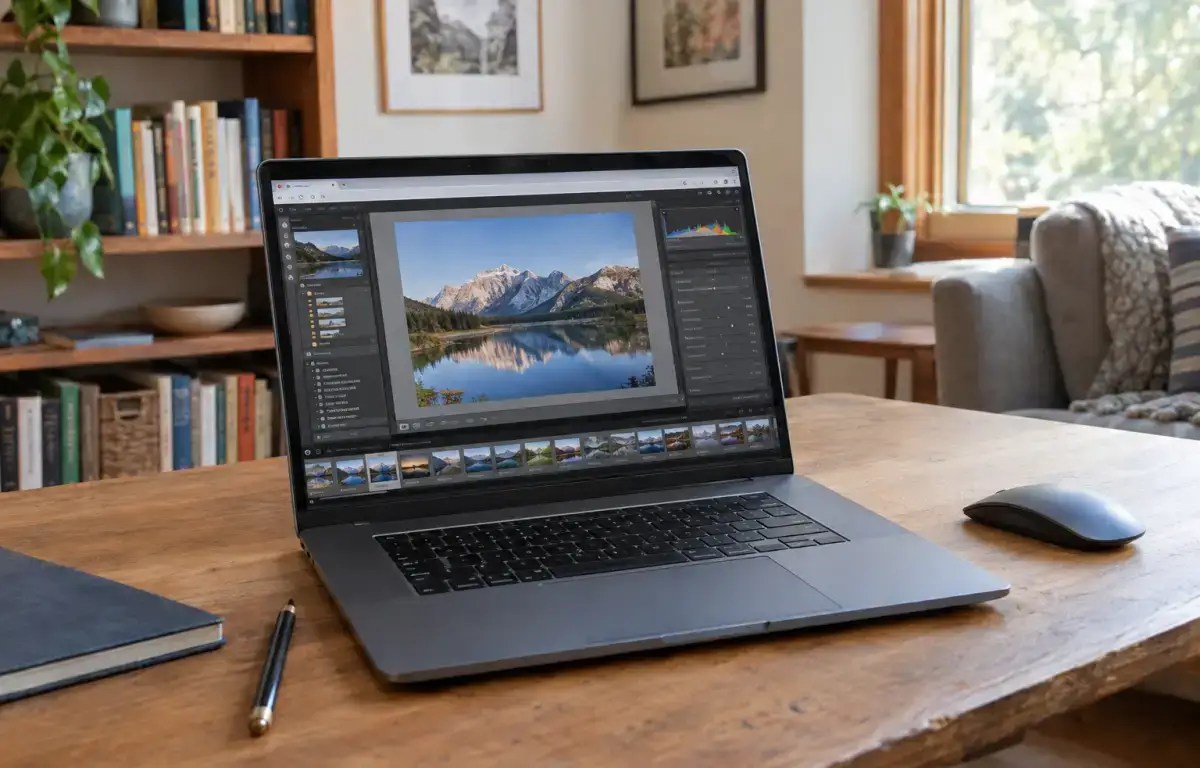
When Browser-Based Lightroom Is Not Enough
Adobe Lightroom offers browser-based photo editing, but its web workflow is not the same as using the full Lightroom Classic desktop application. Photographers who depend on detailed catalog management, extensive RAW file workflows, custom plugins, and established editing configurations may need more than a browser-based editor provides.
This is where looking for a Lightroom online alternative makes sense. Instead of switching to an entirely different photo editor, you can use Lightroom Classic through a cloud Windows PC and access your familiar desktop workflow from different devices.
The right approach depends on whether you need lightweight browser editing or the tools and file-management capabilities of Lightroom Classic.
Online Lightroom Alternatives for Different Editing Needs
Choosing a Lightroom online alternative depends on the editing tools and workflow you need. Several browser-based editors offer photo adjustments without requiring a full desktop installation.
- Polarr: Provides browser-based photo editing with color adjustments, filters, overlays, and selective editing tools.
- OpticRaw: Focuses on RAW photo processing, offering exposure adjustments, tone curves, color grading, masking, and batch editing.
- Lightroom Classic through a cloud PC: Offers a different approach for photographers who want to retain their existing Adobe workflow rather than switch to another editor.
Browser-based alternatives can handle individual editing tasks, but they do not replace every Lightroom Classic feature, particularly its desktop catalog and compatible plugins. With Aristeem, you can access Lightroom Classic through a cloud Windows PC and continue using your established editing environment from supported devices.
Keep Your Lightroom Classic Catalog and Editing Resources
Lightroom Classic uses a catalog to organize photos and track editing work. However, the catalog and the original image files are separate, and both must remain accessible for a project to work correctly.
A Lightroom Classic project may include:
- Catalog file (.lrcat): Stores information about photo locations, edits, ratings, collections, and other organizational details. It does not contain the original photos.
- Original RAW files: Store the actual image data and must remain accessible to Lightroom Classic.
- XMP sidecar files: Can store metadata and editing information alongside supported RAW files.
- Presets and profiles: Provide custom editing settings and camera-specific adjustments.
- Export presets: Store output preferences such as file format, dimensions, sharpening, and color space.
- Plugins: Add tools and functionality to the desktop application.
These resources may be stored separately, so moving only the .lrcat file is not enough to transfer a complete project. Keep the catalog linked to its original photos, make sure the required presets, profiles, and plugins are installed, and maintain independent backups of the catalog and image files.
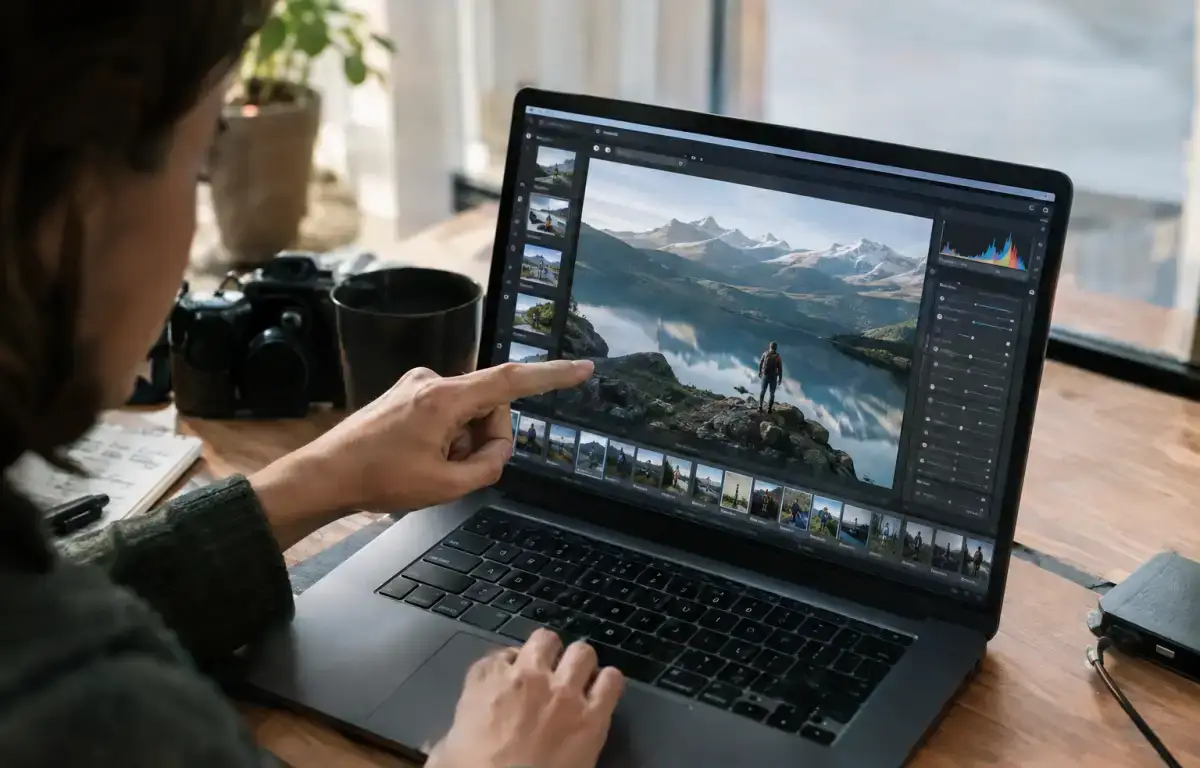
Use Lightroom Classic Instead of Relying on Browser Editing
Aristeem gives you access to a personal cloud Windows PC where you can install your licensed copy of Adobe Lightroom Classic. This provides another way to use Lightroom when browser-based editing does not cover your requirements. Instead of replacing your desktop workflow with a web editor, you can access the Windows desktop environment from supported devices through a browser.
You can install Lightroom Classic, configure your presets and profiles, add compatible plugins, and maintain your catalog and RAW files in the cloud environment. This can be useful when you work across a Mac, Linux computer, tablet, or other device that does not run your usual Windows desktop setup.
You remain responsible for installing the application, configuring its resources, managing your catalog, and maintaining backups. An Adobe license may be required.
Choose the Right Lightroom Online Alternative
Lightroom Web is a convenient option for browser-based photo editing, but it does not replace every part of the Lightroom Classic desktop workflow. If you need a full desktop catalog, custom plugins, specialized presets, and established RAW file-management processes, using Lightroom Classic through a cloud Windows PC is another option.
Aristeem lets you access that working environment from supported devices without installing a local Windows system or maintaining separate Lightroom Classic installations on each computer. Need more than browser-based editing? Explore Lightroom Online with Aristeem.


