


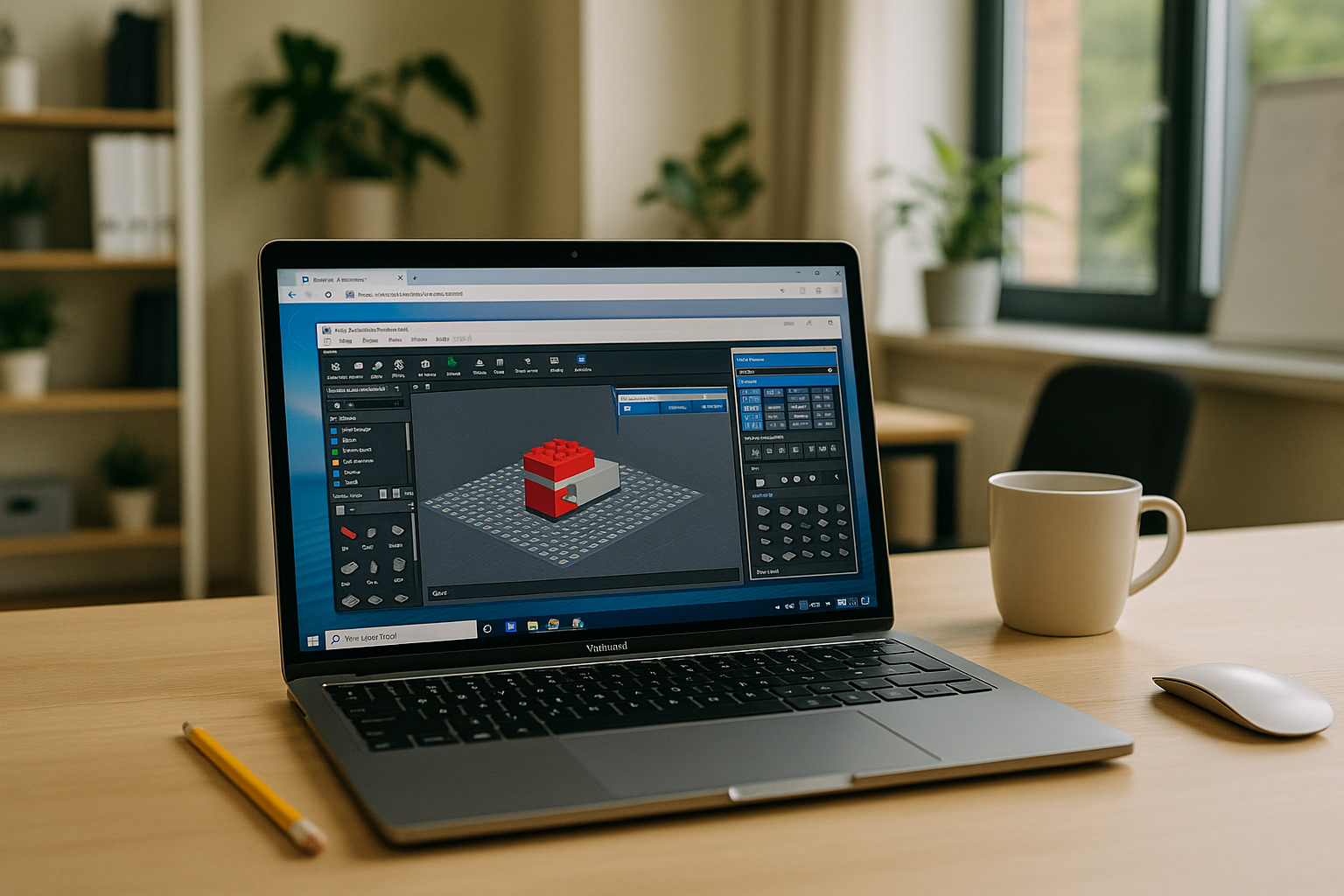
What You Can Do With LEGO BrickLink Studio
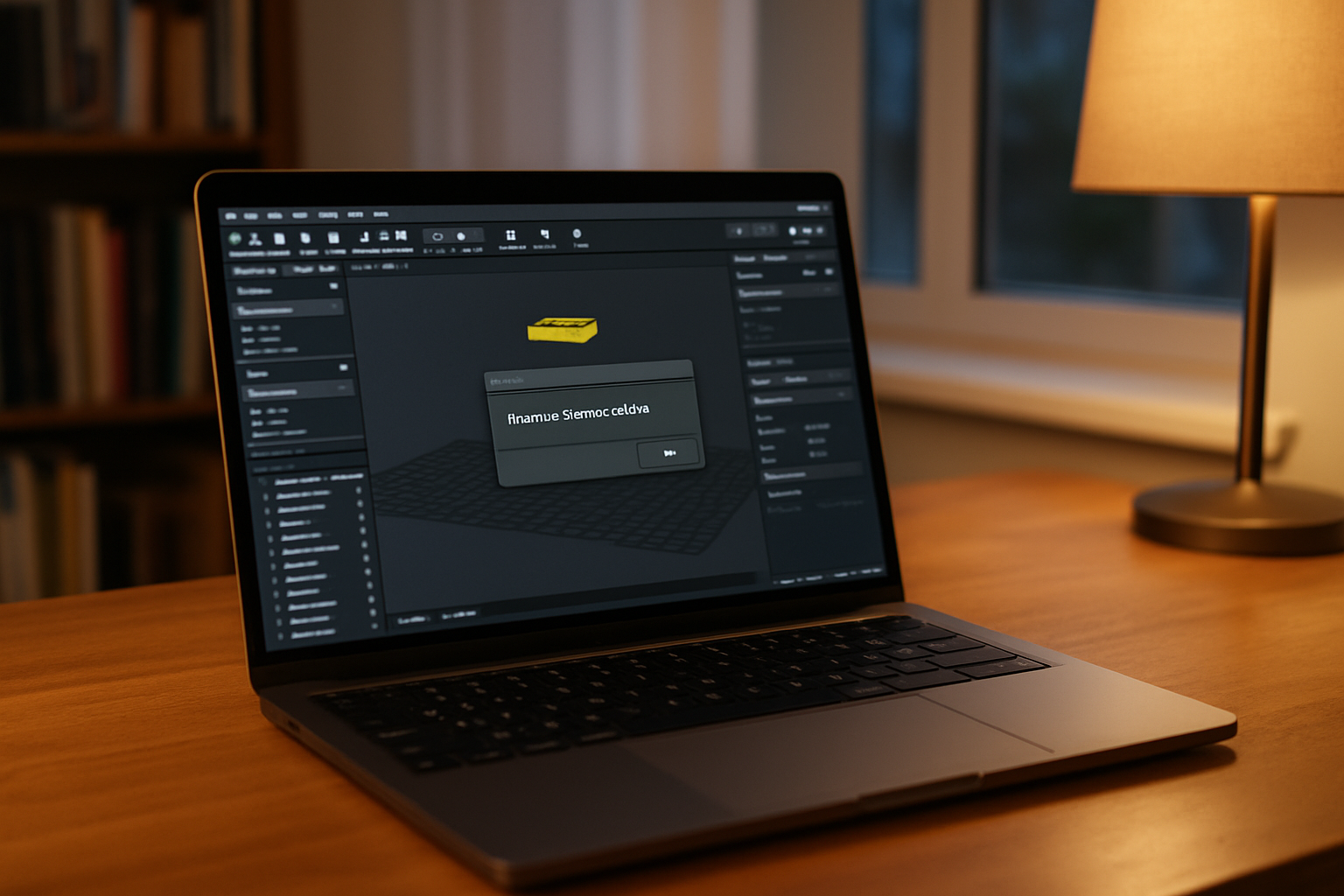
LEGO BrickLink Studio is a desktop application for designing LEGO models digitally, working with parts, creating building instructions, and preparing models for rendering or export. It gives builders a detailed workspace for turning an idea into a complete digital model before assembling the physical version.
The workflow can include precise part placement, custom elements, instruction creation, model organization, and rendering. For larger projects, having the same Studio version, parts libraries, and supporting tools available across sessions can also make the design process easier to manage.
LEGO BrickLink Studio for Designing, Instructions, and Rendering
LEGO BrickLink Studio supports more than basic model building. You can create detailed digital models, organize parts, prepare building instructions, and render scenes for presenting or reviewing a design. Keeping these tasks in one desktop workflow makes Studio useful for both individual builders and projects that involve repeated revisions.
A consistent working environment becomes especially useful when a project includes custom parts, large models, rendering tools, or a specific Studio version. The goal is not simply to open a LEGO model, but to keep the complete design workflow available when you need to edit, review, render, or prepare instructions.
Using LEGO BrickLink Studio When Your Device Cannot Run It
LEGO BrickLink Studio is designed as a desktop application, so the available device still matters. If your current computer cannot provide the required Windows environment or enough resources for your workflow, you can use a Windows desktop delivered through a browser instead of changing the way you work with Studio.
In this setup, Studio remains the desktop application you use for modeling, instructions, and rendering. Your projects, supporting tools, and settings can stay together in the same Windows environment, which is useful when you move between devices or cannot modify the computer you currently have.
Using LEGO BrickLink Studio With Aristeem
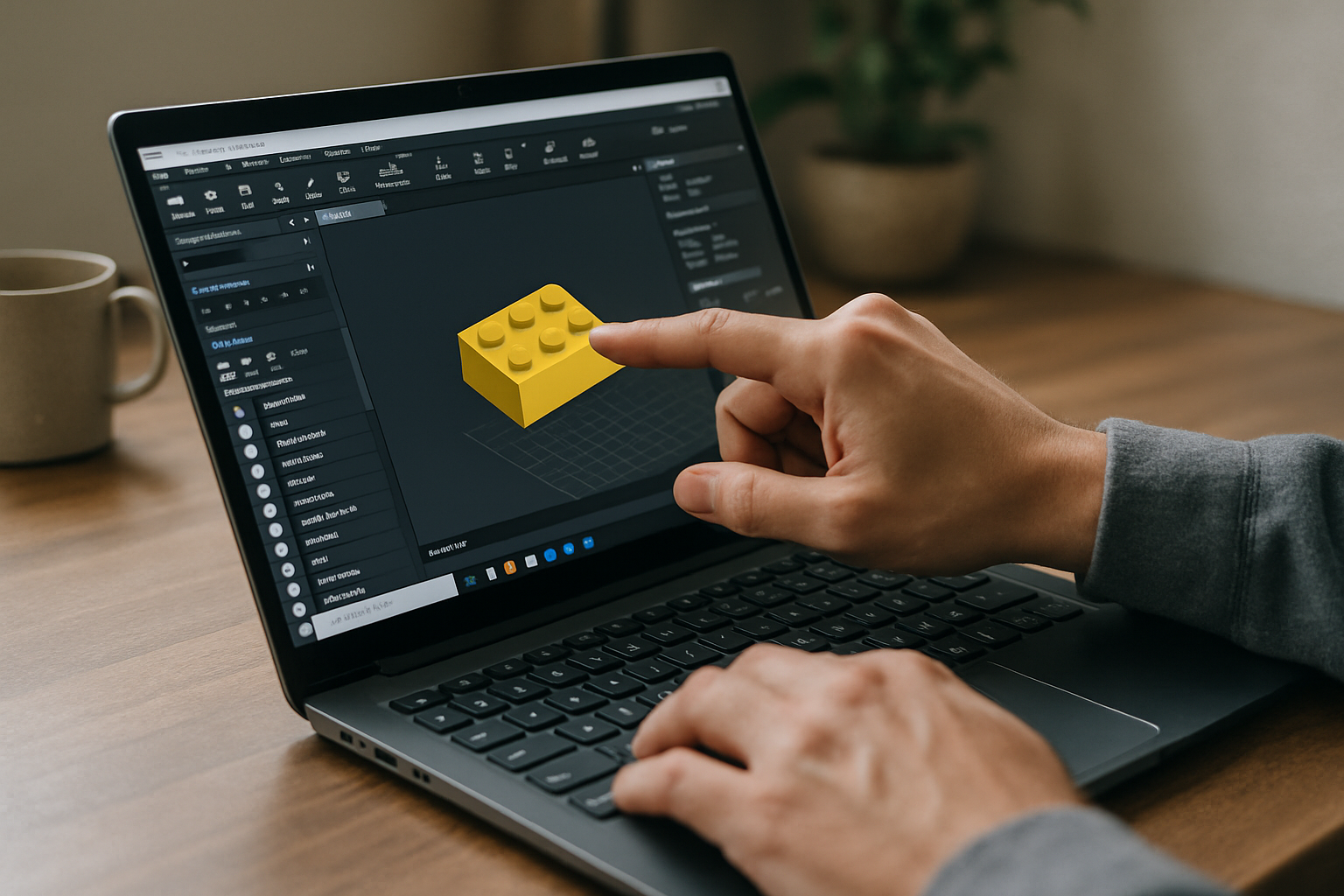
Founded in 2024, Aristeem provides access to a Windows desktop through a browser for workloads that require desktop software. For LEGO BrickLink Studio, this means you can use the application in a Windows environment when your current device is not suitable for running it locally.
You can choose the Studio version you need, install supporting tools such as PartsDesigner and renderers, and keep the project environment together. The same approach can be useful when working from Mac, Linux, Chromebook, or another device that does not provide the Windows setup required by Studio. If you need help with installation issues, see our guide to BrickLink Studio download problems.
Keep Your LEGO BrickLink Studio Workflow Consistent
Once your LEGO BrickLink Studio environment is available, you can keep the same workflow for modeling, editing, rendering, and preparing instructions. A consistent Windows environment can also make it easier to continue a project when you switch between devices.
If your current computer is the obstacle, Aristeem provides access to a Windows desktop through the browser, so you can continue using Studio without changing the projects or tools you already work with. Learn more about how software runs directly in a browser if you need access from a device that cannot run the desktop application locally.


