


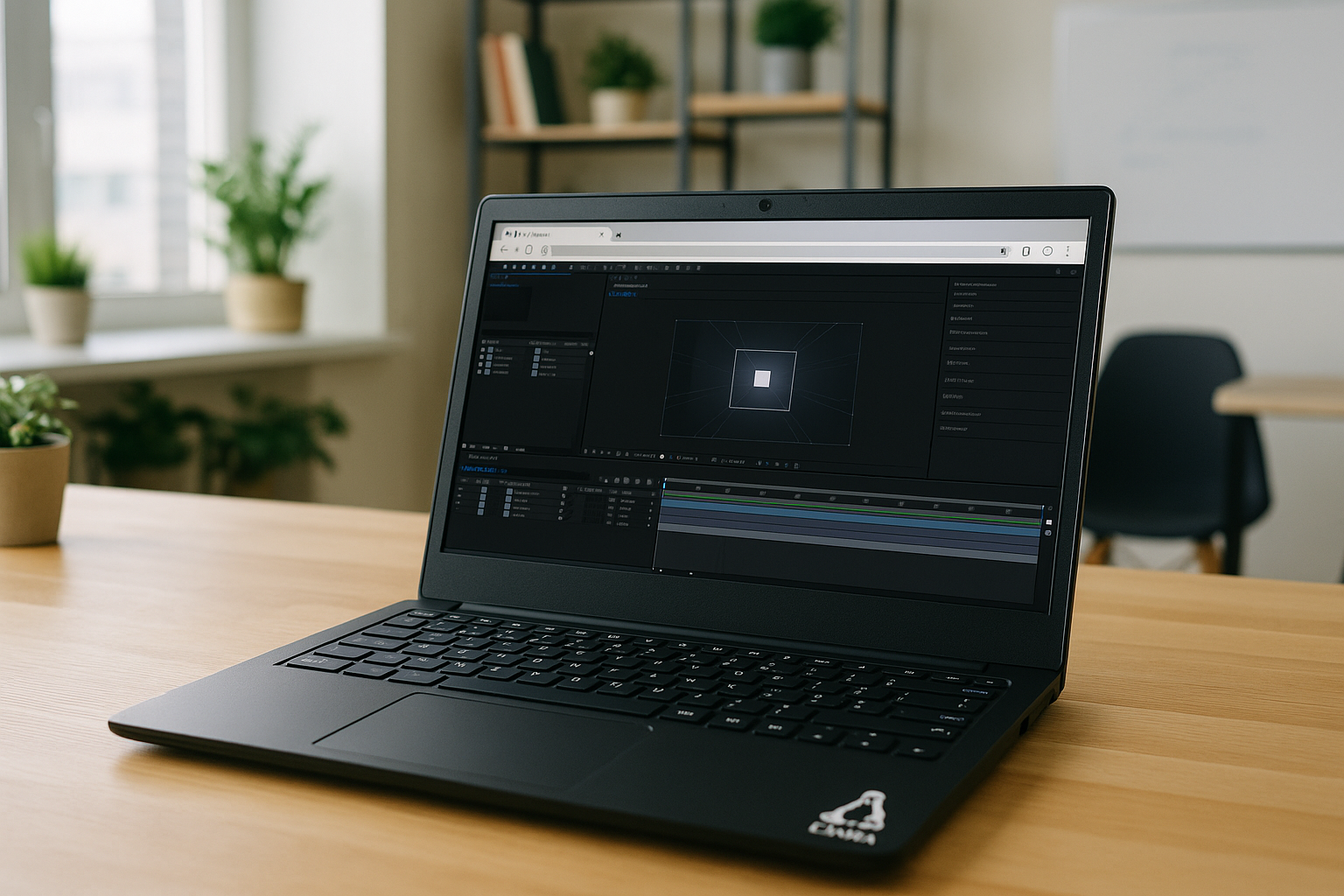
The real problem with After Effects for Linux when you can’t install it
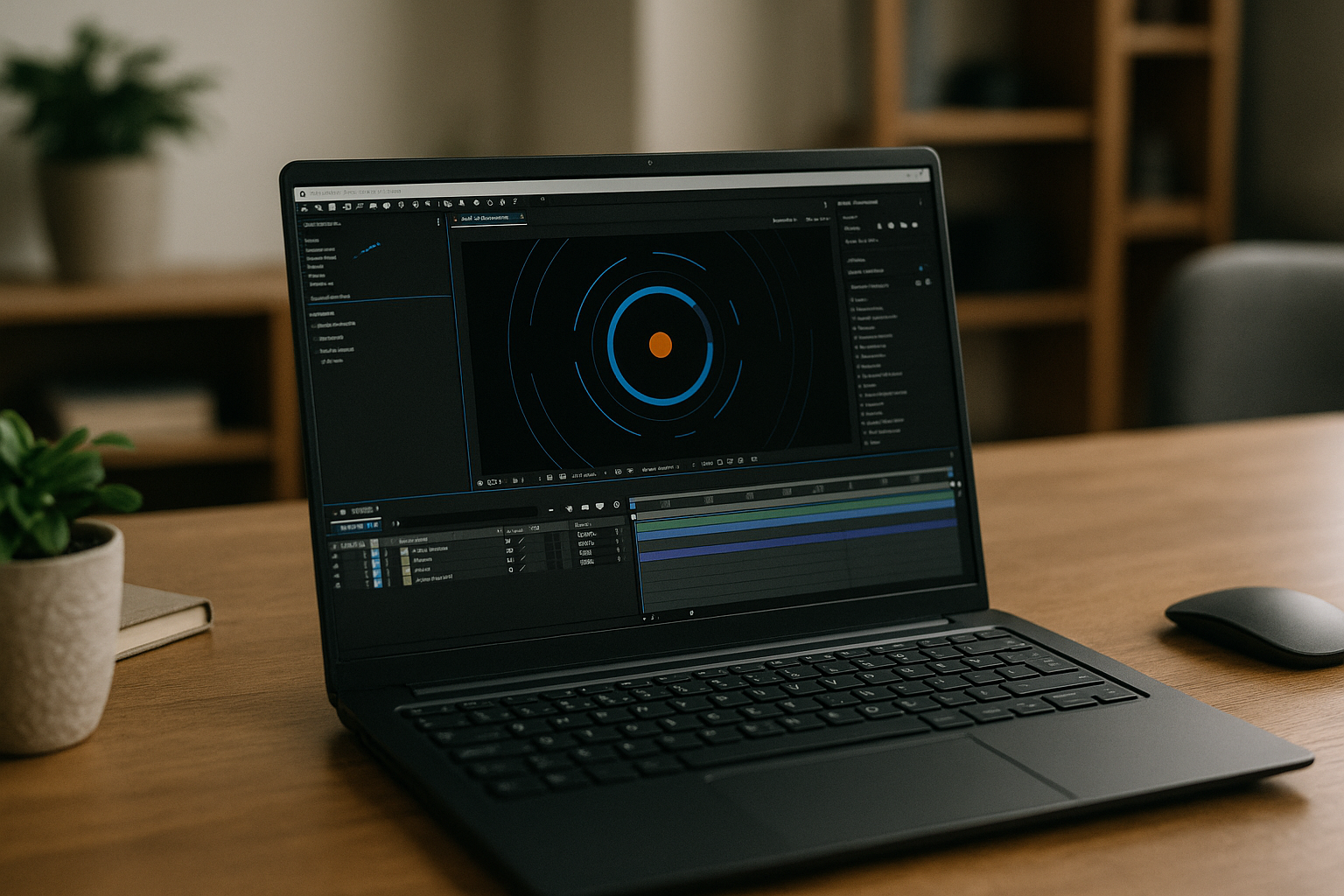
If you rely on motion graphics or compositing, discovering that there’s no native installer for After Effects on Linux is a show‑stopper. You try Wine, it launches once, then crashes the moment you touch the GPU or a codec. Meanwhile a deadline looms, and you still can’t open client project files or render a preview from your Linux workstation.
Common scenarios repeat:
- on Ubuntu or Pop!_OS with NVIDIA drivers, the app won’t pass GPU checks;
- in a VM, the UI is choppy and previews stutter;
- on a Chromebook or iPad via Linux shell, nothing even starts.
You don’t want to buy a new Windows PC just to export one sequence, and you definitely don’t want a week of driver hunting. You simply need a reliable way to work now — without traditional installation on your Linux device.
Common solutions for how to run After Effects for Linux: buy Windows, Dual‑Boot, or remote desktop
Buying a Windows tower or laptop gives you native performance and straightforward GPU acceleration, but it is expensive and inflexible. You add procurement time, OS maintenance, and yet another device to keep patched and backed up. If you only need After Effects occasionally, that investment ties up budget you could use for plugins or storage.
Setting up dual‑boot Windows on your Linux machine seems cheaper, but it fragments your workflow. You will juggle drivers, partitions, color profiles, and USB permissions, and each reboot disrupts focus. Projects and caches can get stranded on the wrong partition, and plugin licensing across two OSes can become a support puzzle you don’t have hours to solve.
Using a traditional remote desktop into a Windows box avoids buying new hardware, but latency, color accuracy, and audio sync commonly suffer. Firewall policies, VPNs, and port forwarding add fragility, and any bandwidth dip turns timeline scrubbing into a slideshow. You also inherit the remote machine’s maintenance burden, with updates and driver conflicts sabotaging sessions at the worst time.
The best way to run After Effects for Linux without installation
Instead of forcing a local install or juggling extra hardware, use a browser‑based Windows environment purpose‑built for creative apps. This approach lets you run After Effects on Linux without installation on your device, while still getting consistent GPU acceleration and codec support. Your Linux system stays clean and lightweight, and your production environment lives where drivers and performance are already tuned for compositing.
Compared with dual‑boot or remote desktop, a browser‑executed environment removes the reboot tax, the network quirks of ad‑hoc remoting, and the driver roulette. You open a tab, authenticate, and your full workspace — with access to fonts, plugins, and project storage — is ready. Timeline scrubbing, RAM previews, and renders remain stable because the heavy lifting happens in a dedicated, optimized environment that doesn’t depend on your local Linux setup.
How Aristeem makes After Effects for Linux practical and instant
Aristeem provides a full working environment in your browser — no installers, no drivers, and no OS gymnastics on your Linux machine. It is not a remote desktop and not an emulator; it’s a ready‑to‑use workspace where After Effects has been validated for GPU acceleration and preview stability. You keep using your Linux laptop, desktop, or Chromebook, while Aristeem handles the Windows environment details behind the scenes.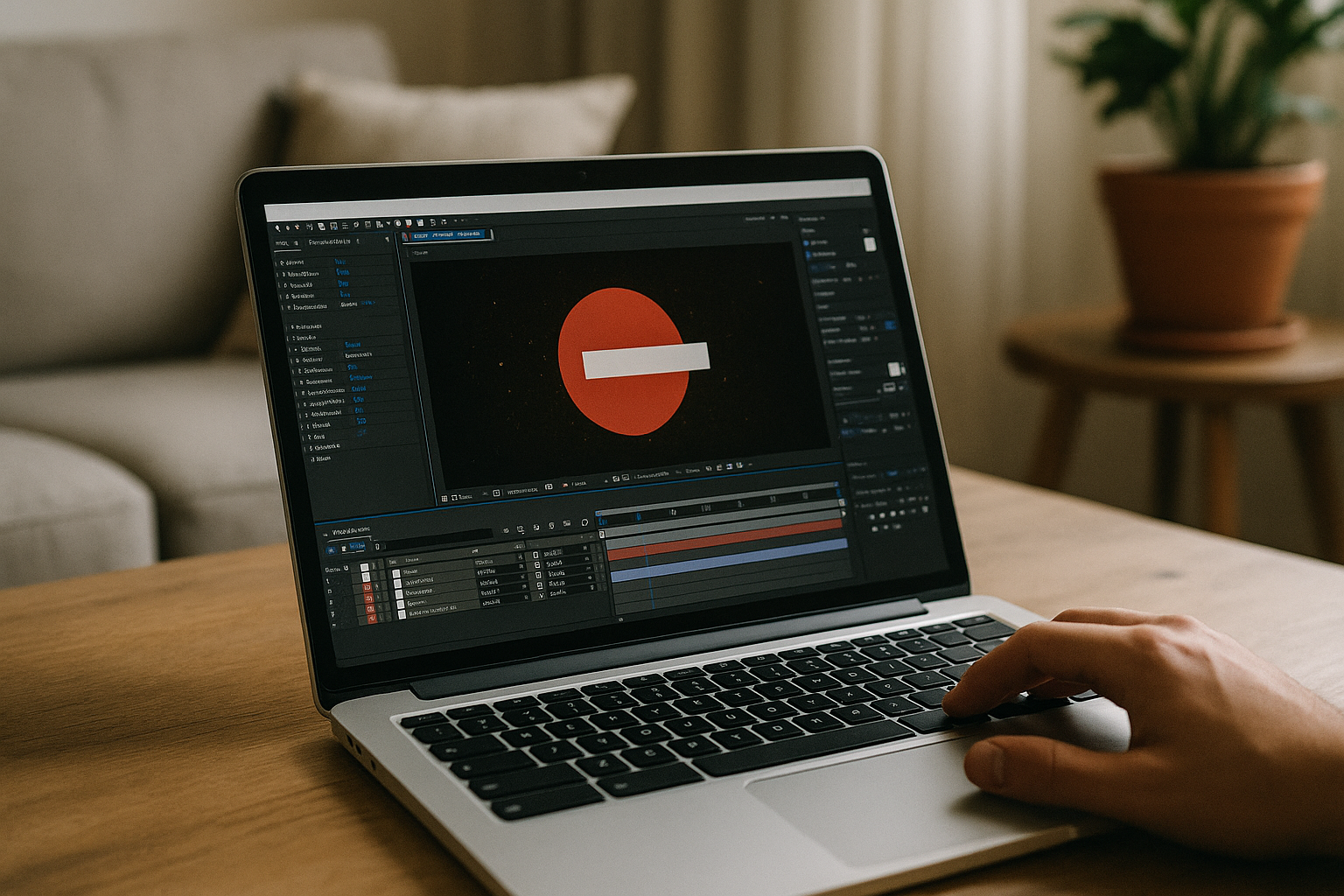
Getting started is simple:
- Sign Up on Aristeem — create your account to access the cloud platform.
- Launch After Effects in the Cloud via Aristeem — open the cloud PC environment and start the After Effects app instantly through your Linux browser.
- Create Without Limits — begin compositing, motion graphics, and rendering with all After Effects features immediately, without worrying about Wine or local installation.
Even lightweight Linux distributions or older hardware can now handle professional motion design and complex visual effects, making After Effects accessible to every Linux user and creative studio.
Aristeem keeps your workflow flexible. Install your essential plugins, LUTs, and fonts in the environment just once and they’re available each session. Share project folders with collaborators, park caches on high‑performance volumes, and render confidently while your local Linux system remains cool, quiet, and uncluttered. The result is no setup and instant access, from any device, without sacrificing the performance you expect.
The fastest path to After Effects for Linux: launch and create
If you have been wrestling with drivers, VMs, or remote desktops just to open a project, there is a cleaner route. Aristeem lets you focus on animating, compositing, and delivering work — not on making Linux pretend to be something it isn’t. You get reliable GPU previews, consistent rendering, and a workspace that follows you from the studio to home or on the road.
Skip the multi‑day setup and uncertainty about how to install After Effects for Linux. Launch Aristeem, sign in, connect your files, and start building your timeline in minutes with the stability your deadlines demand. Try it now and experience how straightforward professional motion graphics can be when the environment is already tuned for you.


