Full functionality of software for Windows on your MacBook, without limitations
Want to use Windows programs on your MacBook? Before, it meant installing Windows, configuring everything, and crossing your fingers that it worked.
Now, It’s So Much Easier! Just Follow These Simple Steps:
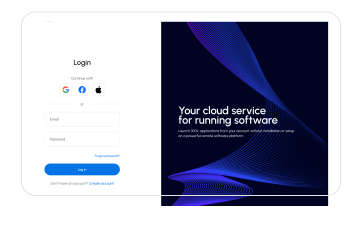
#1
Log into
your account on our service
#2
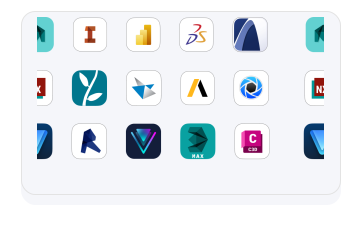
Choose
the program you need
#3
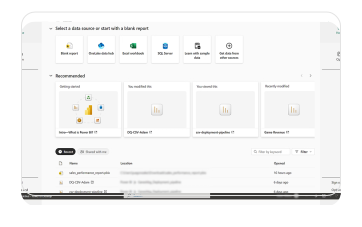
Launch
it and start working!

Fast
No need to deal with complex Windows installations or program setups on your MacBook. Just a few clicks, and your program runs instantly in our cloud service.

Extra Power
Your laptop’s resources aren’t a limitation. Even a basic MacBook Air can run any program quickly and smoothly — our service provides all the computing power you need.

Reliable
Your data is secure, and you can easily continue working on your project from another device.

Storage
Our service allows you to store and download files of up to 100 GB.
We’ve gathered over 300 programs for work and creativity that you can run on any device, regardless of the operating system – whether it’s macOS, Chrome OS, Windows, or even Android.
+ 300 appsWe give each new user 10 HOURS OF FULL ACCESS You can explore all the features of the service without restrictions or hidden conditions.

Full Functionality
You get access to all features of the service, exactly the same as on any paid plan. No blocked features.

No "payment surprises"
You can work freely and save results, without fearing a "Pay to Continue" message.

No Payment Details Required
You don't need to enter any payment information to register and get started. There will be no automatic charges.

10 Hours of Pure Usage
Your 10 hours are 10 actual hours of work. The timer only runs when you are directly working in the application.



