


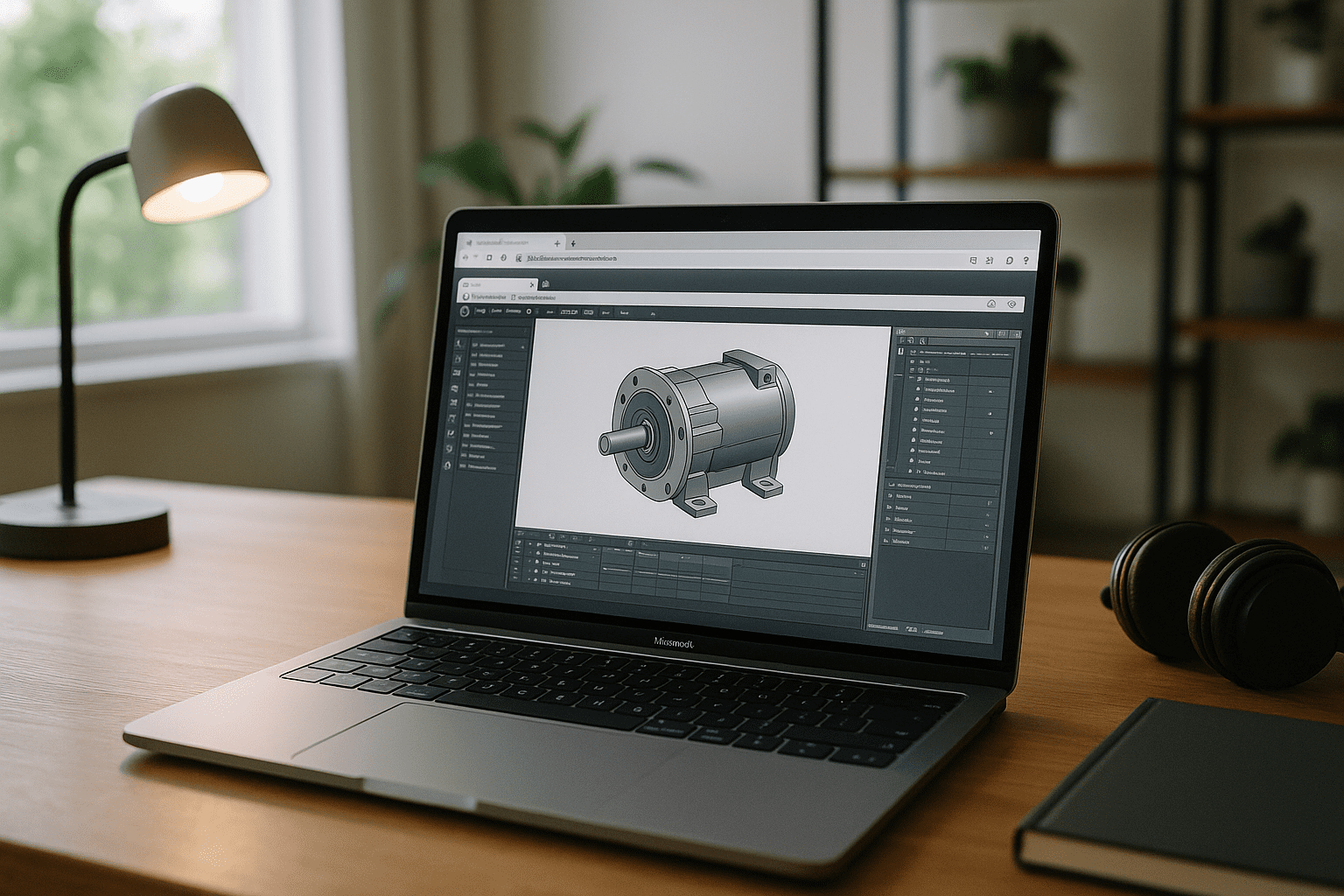
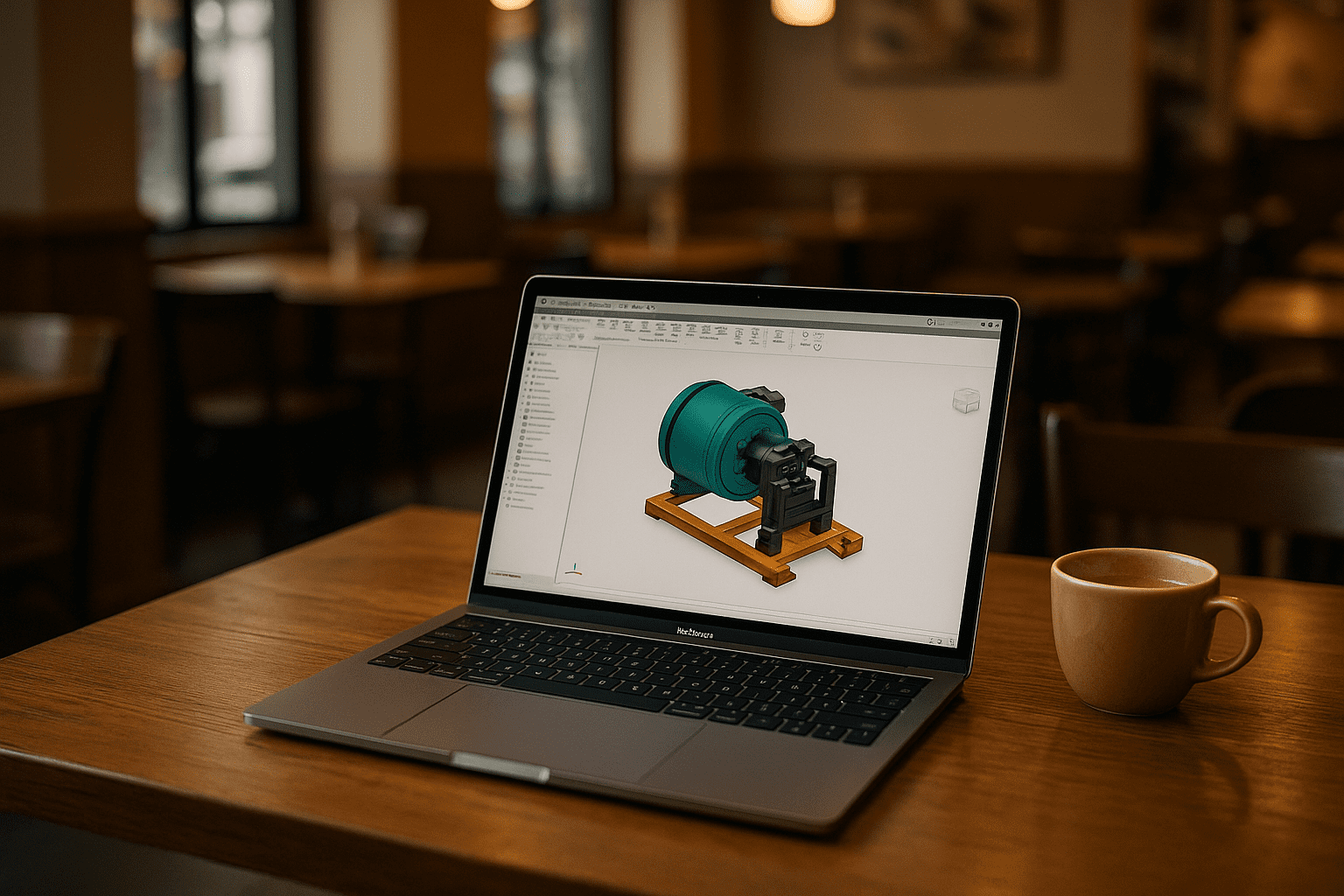
You’re on a MacBook during a design review and must tweak an assembly, update drawings, and keep your automation and add-ins intact. There’s no native macOS build, yet stakeholders expect files to open, edit, and release without friction. The challenge is keeping the full application, your exact version, your templates, and your toolchain consistent — without managing a separate CAD environment.
This is about continuity: opening parts, large assemblies, and drawings with the same add-ins, materials, and plot settings you rely on at the office — without creating a separate CAD environment every time you change devices.
Why switching between computers can disrupt Inventor projects
Many professionals buy a separate PC to keep work moving. It’s familiar and seems safe — but it fragments your workflow.
- Two environments to maintain: duplicated installs, drivers, and updates increase configuration differences between machines.
- File version drift: syncing projects across computers can introduce outdated parts, drawings, or broken assembly references.
- Add-in mismatch: extensions may diverge by machine, causing automation and exporters to behave inconsistently.
- Templates and libraries: drawing templates, materials, and shared content can differ between environments.
- Context switching: moving between machines interrupts reviews and makes it harder to maintain one standardized CAD setup.
- Mobility hit: switching hardware makes it harder to continue the same Inventor workflow from another location.
What a consistent Inventor environment needs
A consistent Inventor workflow depends on more than application access. The project files, references, versions, add-ins, templates, libraries, and settings all need to remain aligned across locations and devices.
| Workflow element | Why consistency matters |
|---|---|
| Project files | Keeps current parts, assemblies, and drawings together |
| External references | Reduces broken links and missing dependencies |
| Templates | Maintains consistent drawing and documentation standards |
| Libraries | Keeps materials, components, and shared resources aligned |
| Add-ins | Preserves automation, exporters, and specialized tools |
| Inventor version | Avoids differences between workstations |
| User settings | Keeps workspace and drawing configurations consistent |
| Storage environment | Reduces repeated copying and synchronization |
A persistent Windows workspace can bring these elements together so that the same Inventor setup is available regardless of which device you use to access it.
Keeping one Inventor workflow across locations
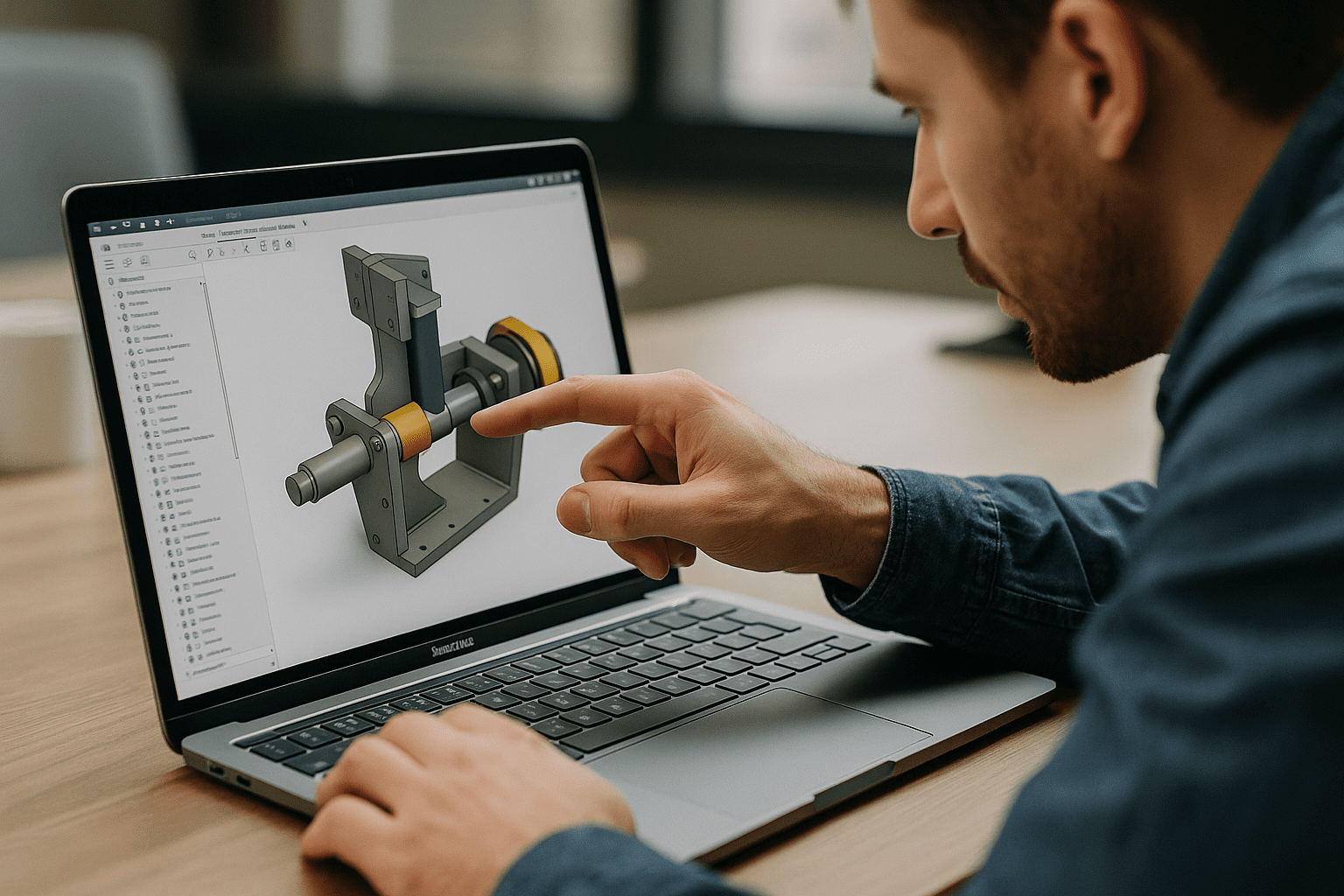
Engineers increasingly need to move between offices, home workspaces, client sites, and different devices without rebuilding their CAD environment each time. A persistent Windows workspace provides a way to keep Inventor, its supporting tools, and project configuration in one place.
Instead of maintaining separate installations, you can work with the same application version, add-ins, templates, libraries, and settings from each location. This is particularly useful when projects depend on standardized CAD configurations or when engineers regularly switch between a workstation and a MacBook.
Keep Autodesk Inventor projects consistent on Mac
The Aristeem platform provides a persistent Windows-based cloud PC that you can access through your browser. Instead of maintaining a separate Windows installation on every device, you work inside the same environment each time you sign in. Install any version of the software you need, add the plugins or drivers your workflows depend on, and use your own license if required. With Inventor for Mac, you keep your environment stable — templates, libraries, plot settings, and extensions — without dual‑boot or managing a second machine. Access is instant from any Mac, so reviews and edits happen on time, wherever you are.
For more information about using Inventor on a Mac, see the Autodesk Inventor Mac environment.
A consistent CAD environment for Inventor on Mac
Running Inventor from a Mac is only part of the challenge. For professional projects, consistency across files, assemblies, references, add-ins, templates, libraries, and settings can be just as important as application access itself.
A persistent Windows environment gives Mac users a way to keep these elements together instead of maintaining separate CAD configurations across multiple computers. With Aristeem, you can access the same Inventor workspace from different locations and continue working with the environment your projects depend on. Learn more about Inventor for Mac and the browser-based workflow.


