


You need to open an urgent client scene, but administrative blocks, OS mismatches, and complex setup demands stall your day. Your machine lacks admin rights to install a required point release, custom scripts crash on startup, and rendering a quick preview causes the local system to throttle. When teams and freelancers swap files that rely on different plugin builds, hours disappear into reconciling asset paths, drivers, and software licenses instead of animating.
Deadlines do not pause while you fight setup permissions and missing libraries. You came to deliver production-grade Cinema 4D work, not to act as a full-time IT system administrator for a machine you might not even own.
Why Hardware Upgrades Do Not Solve Pipeline Friction
Buying a new workstation or upgrading local hardware seems like the logical fix, but hardware alone cannot resolve software management overhead. A faster local tower still locks you into a maintenance cycle of driver installs, plugin stack alignment, and periodic license transfers.
| Pipeline Challenge | Local Workstation Approach | Persistent Browser Workspace |
| System Admin & Rights | Requires elevated local privileges for every driver or point-release update. | Pre-configured environment ready to work without local installation blocks. |
| Plugin & Version Drift | Mismatches between studio, home, and client environments cause broken paths and render crashes. | Single persistent setup that maintains exact toolchains and plugin versions across sessions. |
| Mobility & IT Overhead | Heavy, bound to one physical site, and vulnerable to OS auto-updates right before delivery. | Accessible through any web browser on any available device without changing local settings. |
| Asset & License Management | Manual re-licensing and constant pathing updates across multiple machines. | Centralized workspace where assets, paths, and license configurations stay intact. |
When clients mandate specific legacy versions or custom render toolchains, local machines force you back into time-consuming side-installs and environment tweaks. The result: high capital expenditure with the same daily operational friction.
Standardizing on Persistent Browser-Based Workspaces
Creative pipelines in 2026 demand consistent, version-stable environments where artists can deploy the exact extension stacks they need and keep them identical across every project phase. Centralizing daily production into a browser-accessible desktop detaches project success from local device configuration.
This operational shift eliminates local setup risk, maintains asset integrity, and supports distributed teams without shipping pre-configured physical workstations. Opening the exact same workspace from any location allows Cinema 4D projects to meet strict delivery deadlines instead of hitting hardware or OS limits.
Aristeem for Cinema 4D: Persistent Windows Workspace with Zero Setup
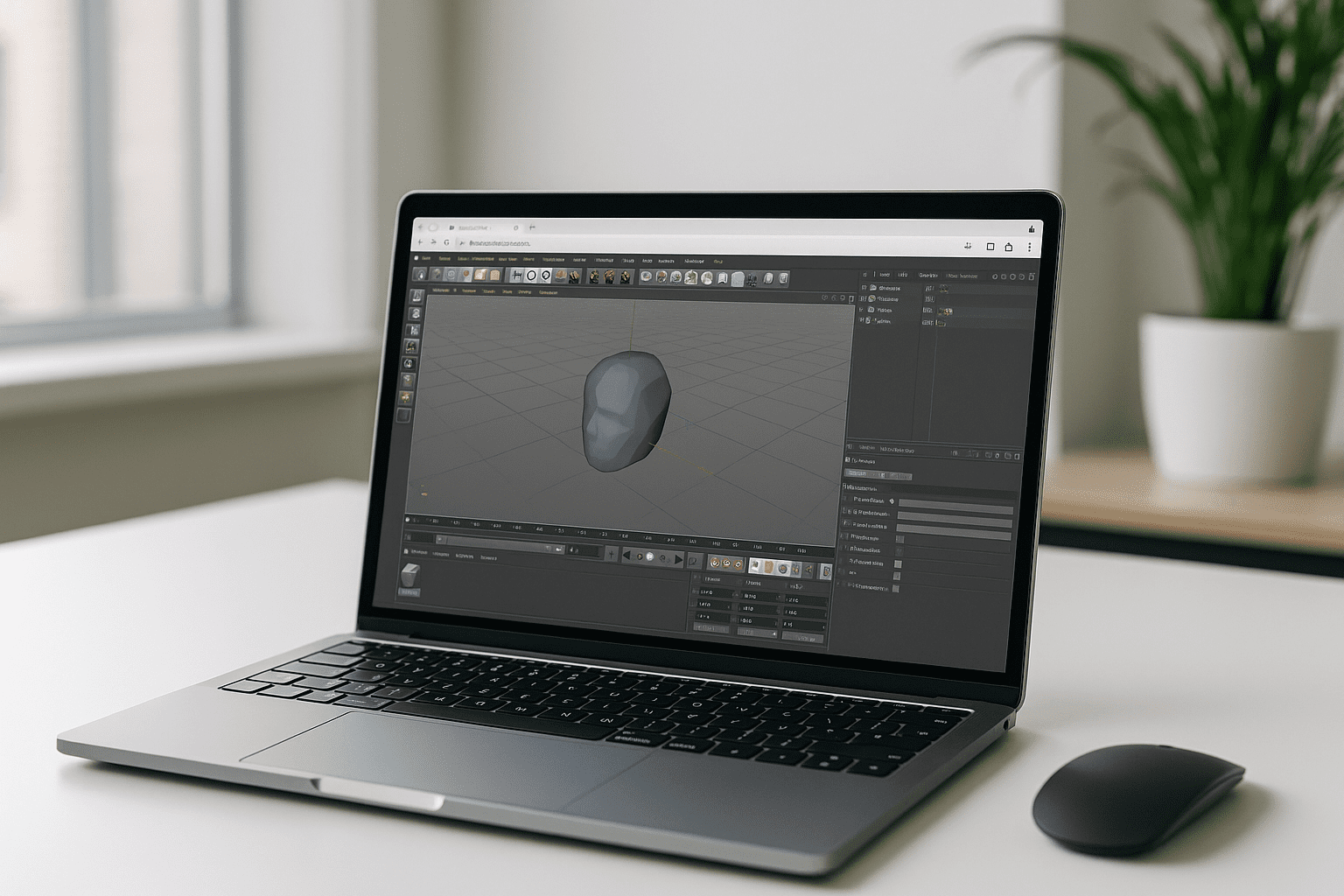
Aristeem provides a full virtual Windows desktop that runs directly inside your browser. You configure your specific Cinema 4D release, render engines, studio utilities, and plugin stacks once, maintaining that exact environment across sessions and devices. If you need guidance on configuring complex toolchains, see setting up Cinema 4D plugins and render engines for practical context. With this approach, your fully equipped Cinema 4D software workspace becomes accessible from any browser without local installation obstacles.
Key advantages of this workflow include:
-
Instant Deployment: Launch a pre-configured workspace from your browser without local installation, driver setup, or elevated admin rights.
-
Persistent Toolchains: Your settings, plugin versions, custom scripts, and directory structures remain intact between sessions.
-
Bring Your License: Sign in with your existing Cinema 4D licensing and software subscriptions seamlessly inside the environment.
-
Full Compatibility: Add studio helper apps, specialized renderers, and custom extensions just as you would on a physical workstation.
Browser-accessible production environments eliminate installation blockers, prevent version drift across teams, and free creative workflows from local system constraints. Explore launching professional tools via web interface to streamline your Cinema 4D pipeline and eliminate system maintenance from your daily workflow.


