


Why professionals look for Photoshop alternative when devices fall short
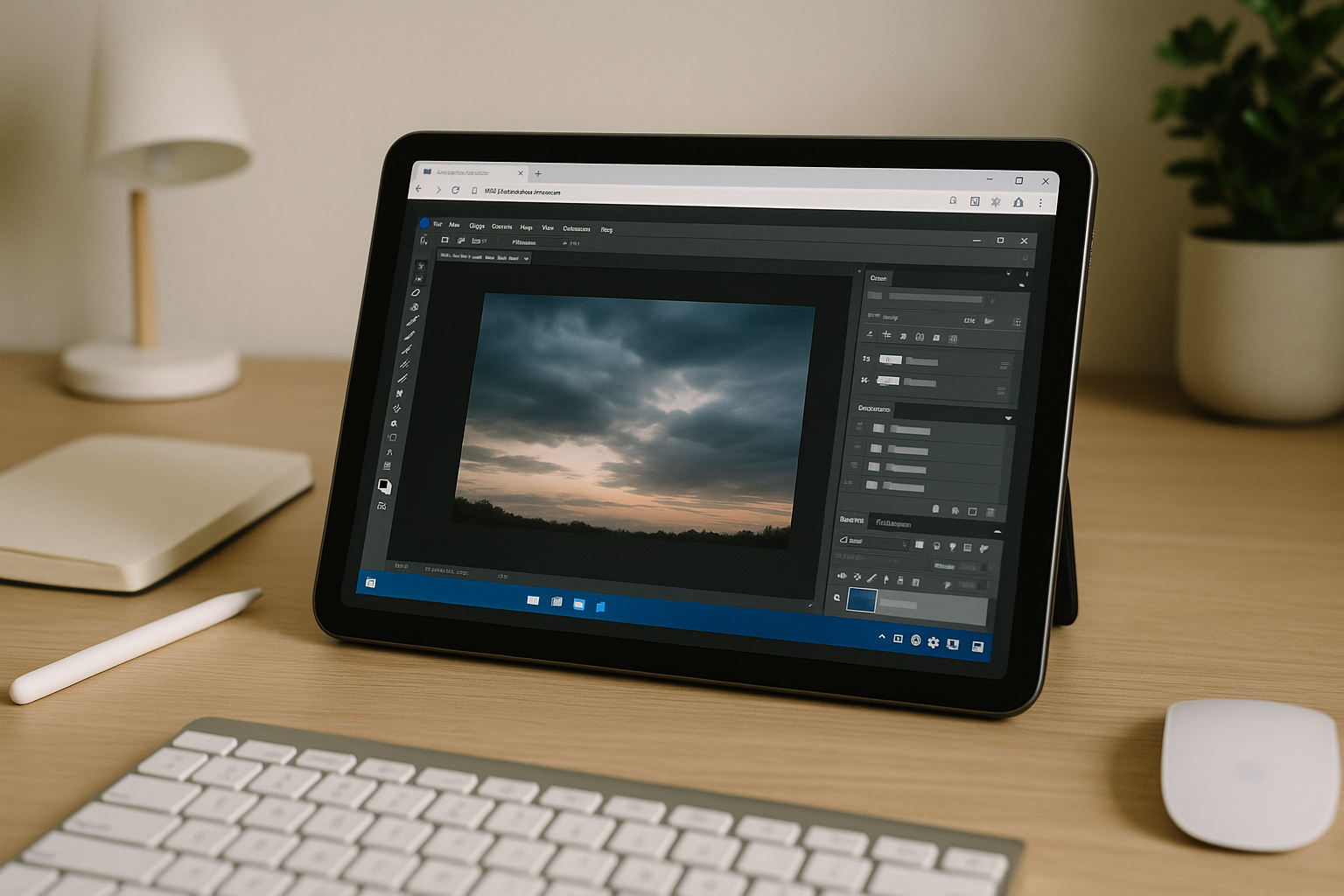
Modern Photoshop demands massive hardware resources, and when your hardware falls short, work grinds to a halt. A lack of RAM to process heavy PSDs, a weak GPU that struggles with 16-bit layers, or a restrictive corporate setup without admin rights can turn a quick edit into a total nightmare. When the desktop app constantly freezes, overheats your laptop, or completely refuses to install on Linux or Chromebooks, creators are left with zero choices. That is exactly when the forced search for Photoshop alternative begins, even though switching software mid-deadline risks fracturing the workflow and compromising the final deliverable.
Typical alternative to Photoshop paths: new PC, Windows setup, remote access
Buying a new high-spec PC is the obvious fix, but it’s expensive and slow to procure. It also doesn’t help if policy forbids installations or you need temporary access for a week-long project. Hardware is great for sustained use, but it’s overkill for quick edits and still leaves you tied to one desk.
Installing Windows via dual-boot or a virtual machine can unlock compatibility, but it adds drivers, partitioning, and admin-rights hurdles. On iPad or Chromebook, this route ranges from impractical to impossible, and performance overheads can be significant. Every reboot or VM update steals time from billable work and creative flow.
Traditional remote desktop to a colleague’s PC or a studio machine can work in a pinch, yet it brings VPNs, firewall approvals, and latency that hurts brush feel and color judgment. Switching apps entirely — whether a free editor or a paid suite — often means relearning tools, reconciling PSD compatibility, and reworking effects. That kind of alternative to Photoshop may solve installation problems but can fracture workflows, break templates, and delay delivery.
The best approach to Photoshop alternative: keep the real app via a cloud PC
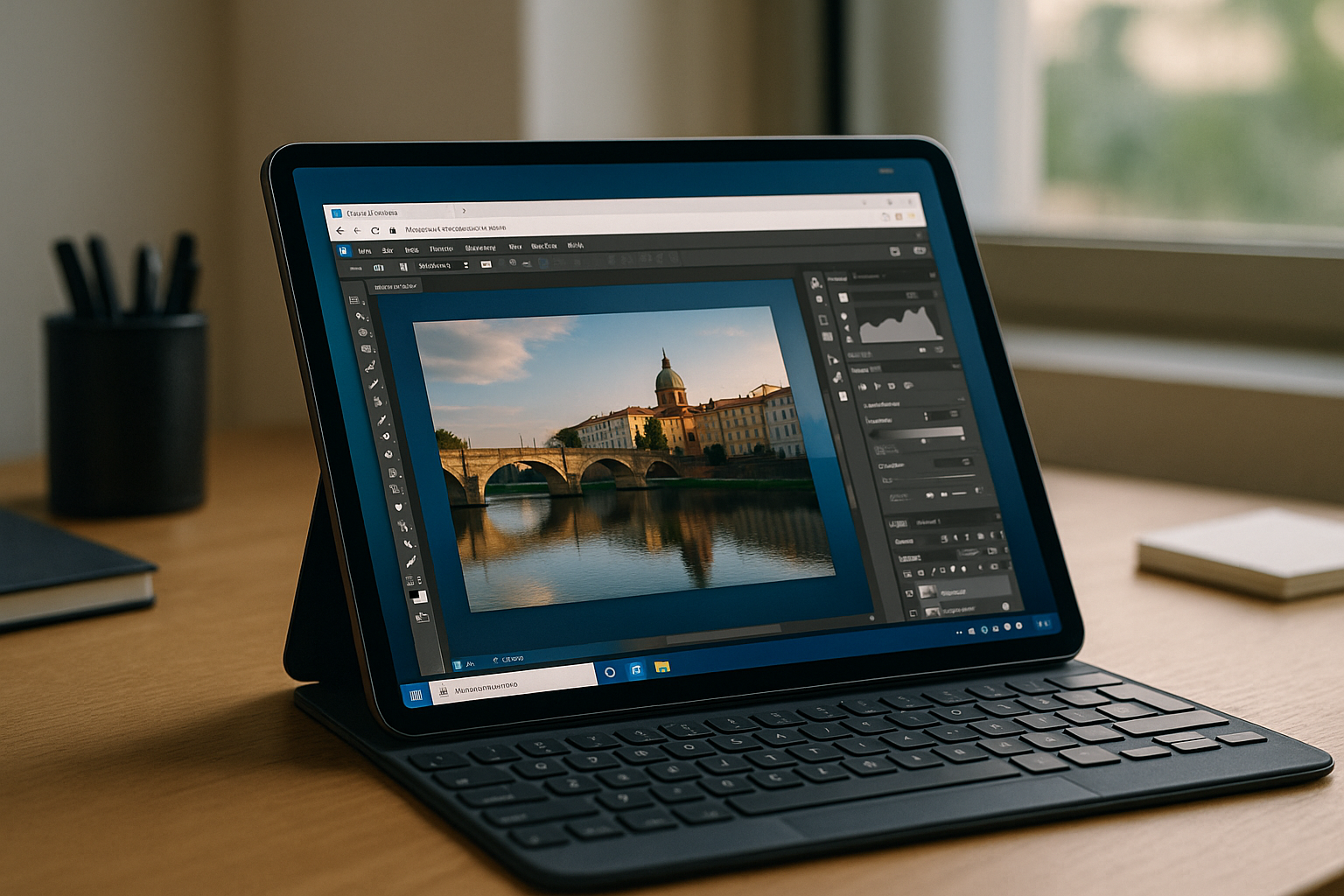
Instead of abandoning your stack, consider a browser-based cloud PC that runs the full desktop Photoshop for you. There’s no local installation, and compute happens on a powerful machine with GPU acceleration, so heavy PSDs stay responsive. This approach respects your files, color settings, and habits while avoiding the churn common to other alternatives to Adobe Photoshop.
Because the environment lives in the cloud, you can open the same workspace from Mac, Linux, iPad, Chromebook, or a weak PC without tinkering or driver hunts. Your fonts, LUTs, and ICC profiles can live in the environment, and your plugins and brushes remain consistent across sessions. You keep muscle memory and quality intact, while gaining instant access from any device with a browser.
Aristeem: the fastest alternative to Photoshop that keeps the real desktop app
Aristeem is a browser-based cloud PC — no setup, no local installs, and not a remote desktop or emulator. In the app library, Photoshop is already pre-installed and pre-configured; you just click Launch and sign in with your valid Adobe license. You get a full working environment that behaves like a high-end workstation, from the comfort of your browser.
Performance is stable and GPU-accelerated, so large PSDs, masks, and smart objects remain fluid even on modest devices. Work from Mac, Linux, iPad, Chromebook, or a weak PC, and keep your workflows intact by installing your own fonts, brushes, plugins, and tools inside the environment. When you’re ready, simply launch Photoshop in your browser and start creating.
Because it’s a complete environment, not just streaming pixels, you stay productive without IT exceptions, driver installs, or complex configs. It’s the practical way to avoid a fragile Photoshop replacement and keep the exact toolset your clients expect. Move files through your preferred cloud storage, and pick up where you left off from any device in seconds.
Skip Photoshop alternative and stay in flow
Stop burning cycles evaluating new apps and rebuilding templates. If your device can’t install or power the desktop app, don’t compromise quality or speed — run the real thing on a fast cloud machine. This is the cleanest way to satisfy the search for Photoshop alternatives without breaking your workflow or buying new hardware.
Get reliable, GPU-backed performance and instant access from any device, with your workspace ready to go. Keep your exact presets, profiles, and plugins, and focus on the deliverable, not the setup. Start Photoshop online with Aristeem and ship your next edit in minutes.


